RenoHouse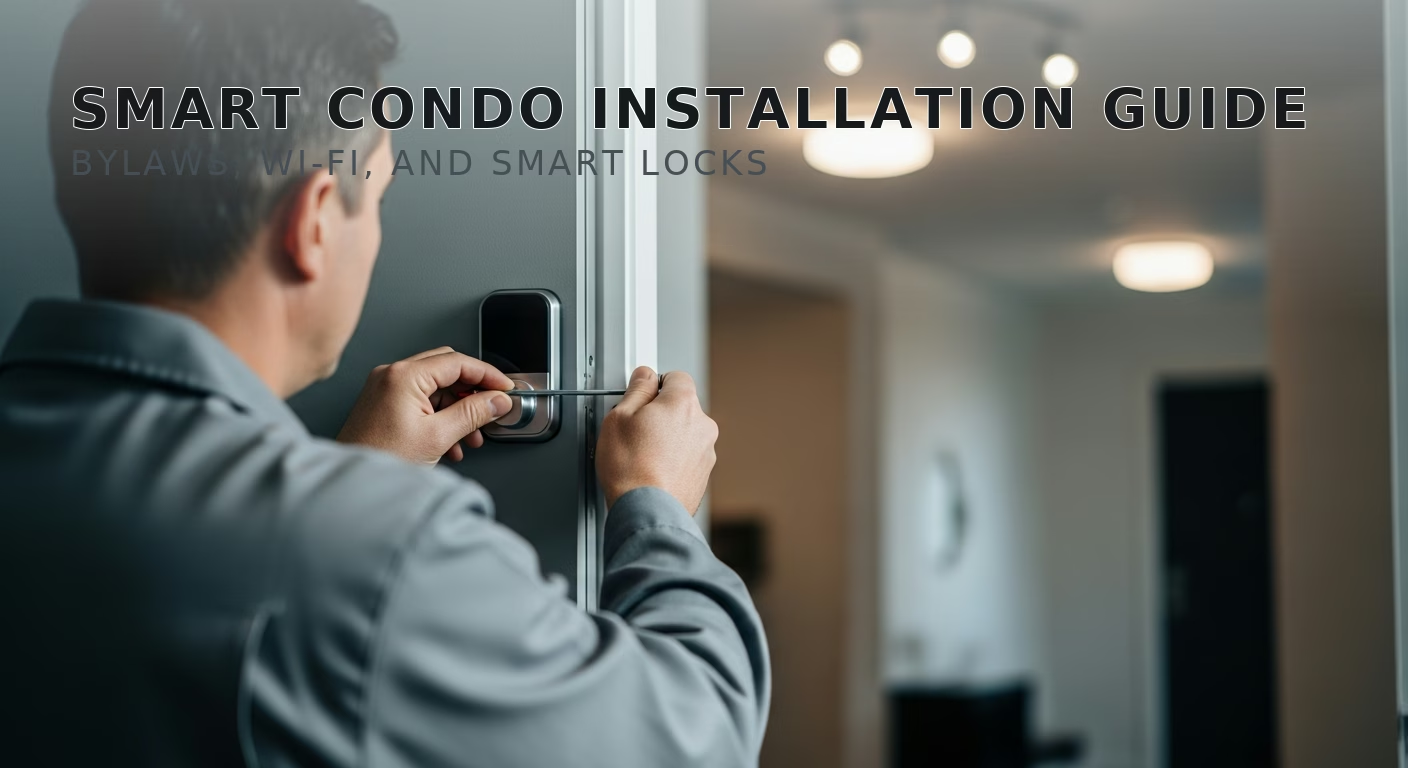

# Smart Home Condo Installation Toronto: 2026 Guide
Quick answer. Smart home installations in Toronto condos run into a unique set of constraints that single-family homes never encounter: concrete walls that murder Wi-Fi, fire-rated suite doors that legally cannot be modified, condo bylaws that restrict cameras and door hardware, and shared HVAC systems that limit thermostat options.Smart home installations in Toronto condos run into a unique set of constraints that single-family homes never encounter: concrete walls that murder Wi-Fi, fire-rated suite doors that legally cannot be modified, condo bylaws that restrict cameras and door hardware, and shared HVAC systems that limit thermostat options. This guide is specifically for owners of Toronto condos — King West, CityPlace, Yorkville, Liberty Village, ICE, M City, the Distillery District, and similar — looking to add smart home features without violating bylaws or sacrificing reliability.
For broader context, see Smart Home Installation Toronto: Complete 2026 Guide. For lock-specific rules, see Smart Locks Front Door Toronto Comparison. For doorbell rules, see Smart Doorbell Camera Installation Toronto.
The Short Answer
What you can almost always install in a Toronto condo:
- Smart switches and dimmers (no wall opening required if neutral is present, which is virtually always true in condos).
- Smart bulbs.
- Smart plugs.
- Smart blinds (battery-powered).
- Smart speakers (Echo, HomePod, Nest Hub).
- Indoor cameras (within your unit).
- Smart locks IF the building bylaws allow modification of the suite door OR if you use a retrofit lock that fits inside the existing deadbolt (August Wi-Fi 4th gen).
What you usually cannot install:
- Smart doorbells on the suite door (most boards prohibit; use Aqara G4 or Ring Peephole Cam where allowed).
- Outdoor cameras visible to neighbours.
- Smart locks that replace the building-standard deadbolt face.
- Wired smart thermostats (most condos use convection or fan-coil units that are not Nest/Ecobee compatible).
- Drilling new wires into walls, ceiling, or door frames.
Step 1: Read Your Status Certificate and Bylaws
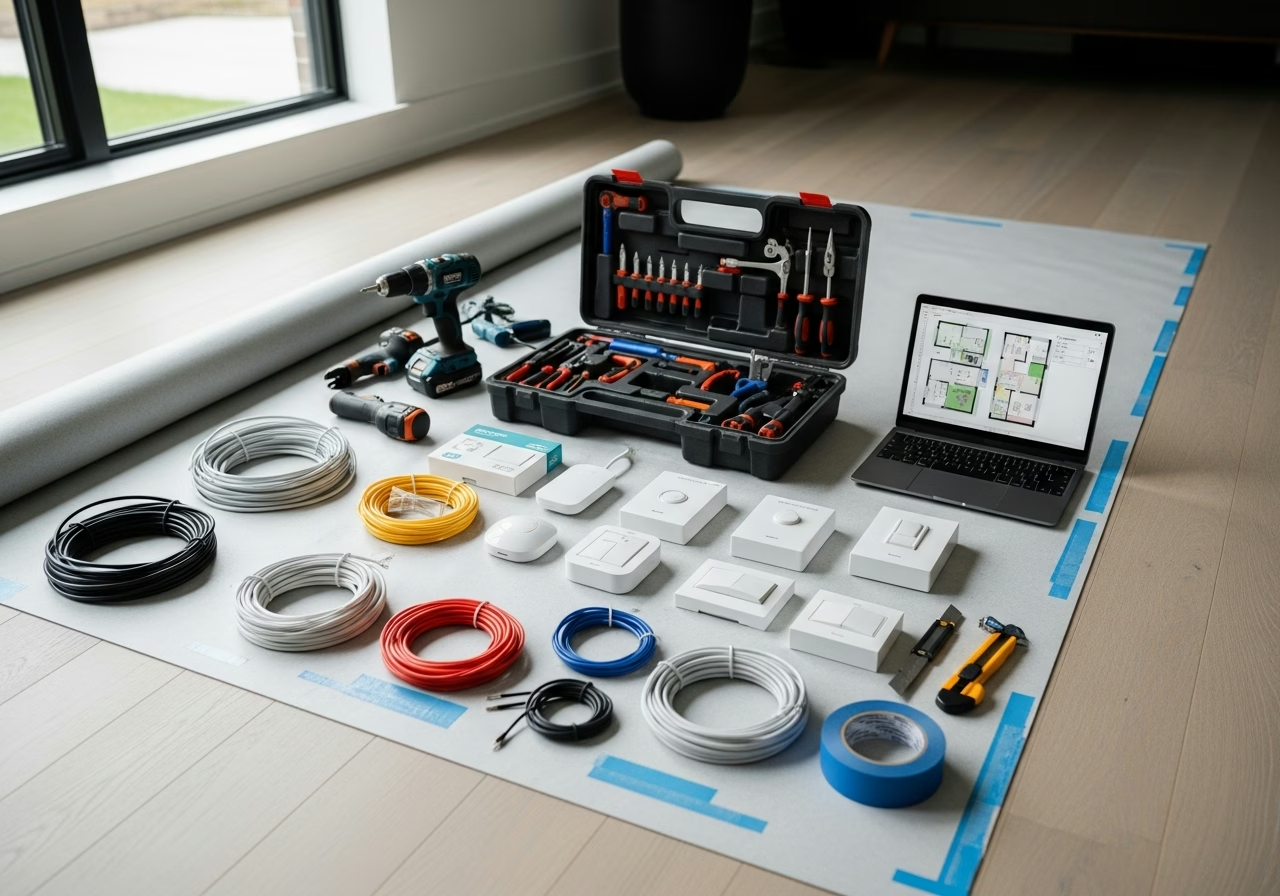
Before buying anything, find these two documents:
- 1. Status certificate (provided when you bought the unit, also obtainable from the property manager for ~$100).
- 2. Condo declaration and bylaws (at the property management office or on the condo's portal).
Search for: "alteration," "modification," "exterior," "door," "camera," "audio recording," "common element."
Most Toronto condos have a clause that says any modification to the unit door, the door frame, the exterior of the suite, or any visible-to-common-area surface requires written board approval. Some boards are easy (King West Toy Factory Lofts, M City) and some are difficult (older Tridel buildings, certain Yorkville buildings).
Step 2: Plan Around Concrete Walls
Toronto condos are virtually all poured concrete (slab + walls). This wreaks havoc on Wi-Fi and most mesh protocols:
- 2.4 GHz Wi-Fi loses 50–70% signal through one concrete interior wall.
- Z-Wave loses 50% through concrete.
- Thread/Zigbee mesh hops are essential — single-radio coverage of even a 750 sqft condo from one router is unreliable.
- 5 GHz and 6 GHz Wi-Fi (Wi-Fi 6E) lose even more through concrete than 2.4 GHz, but if you have direct line-of-sight, the higher bands are much faster.
The right mesh setup for a 700–1,200 sqft Toronto condo:
Need professional electrical services?
Call RenoHouse at 289-212-2345 or get a free estimate today.
Get Free Estimate →- One main router at the front of the unit (typically near the door, where the building Internet jack lands).
- One mesh node in the kitchen or main living area.
- One mesh node in the bedroom.
- Brand: Eero 6E ($550 for 3-pack), TP-Link Deco XE75 ($499 for 3-pack), or Asus ZenWiFi XT9 ($479 for 2-pack).
For Thread border routers, place an Apple HomePod mini or Echo 4th gen in each major room. Three Thread border routers in a 1,000 sqft condo provide bulletproof mesh for sensors, Matter-over-Thread devices, and locks.
Step 3: Smart Switches in Condos
Good news: virtually all Toronto condos have neutral wires at switch boxes (built post-1980, modern code). This means any smart switch brand works.
For Toronto condos specifically:
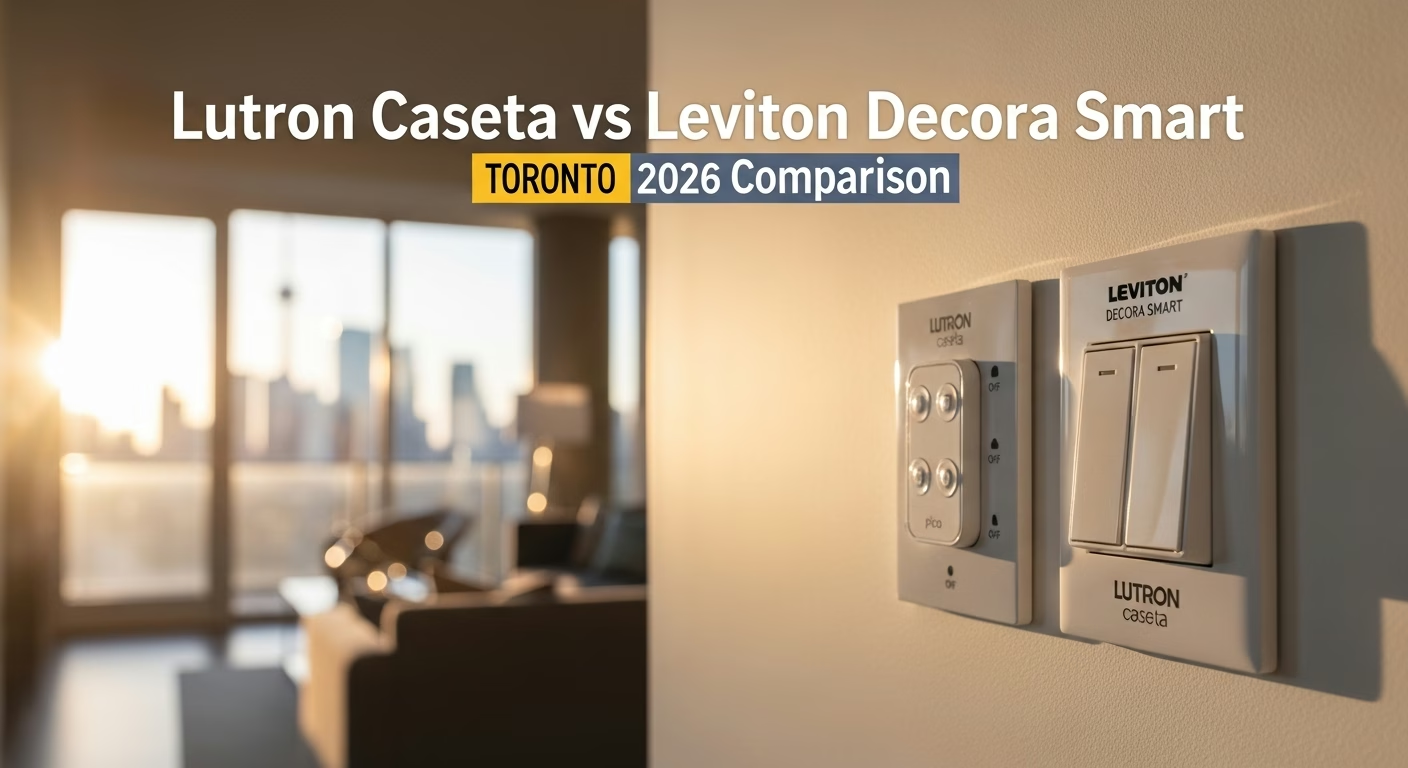
- Lutron Caseta — works great. The 434 MHz Clear Connect protocol punches through concrete better than Wi-Fi or Zigbee.
- Leviton Decora Smart Wi-Fi — works but suffers from 2.4 GHz Wi-Fi congestion in dense buildings (King West, CityPlace, ICE Condos).
- Lutron RA3 — overkill for most condos but excellent for premium 2,000+ sqft penthouses.
Avoid Z-Wave-only switches in condos — Z-Wave's 908 MHz mesh struggles to span more than two concrete walls.
Step 4: Smart Locks for Condo Doors
Condo doors are usually fire-rated steel or solid wood doors with a building-standard deadbolt. Three rules:
- 1. Most condos prohibit modification of the corridor face of the suite door. This rules out Schlage Encode, Yale Assure 2, and Level Lock+ in many buildings.
- 2. Retrofit smart locks (August Wi-Fi 4th gen) are usually allowed. They install on the inside of the door without modifying the corridor face or the existing keyway.
- 3. Many condos require providing the property manager or concierge with an emergency override code. This is for fire/safety access. Check your bylaws.
The standard recommendation for Toronto condos: August Wi-Fi Smart Lock 4th gen with an optional August Smart Keypad Wi-Fi mounted on the inside wall (no exterior modification). Total: $409.
Some buildings (King West loft conversions, some Yorkville buildings) allow full keypad locks. In those cases, Schlage Encode Plus is an excellent choice.
Step 5: Smart Thermostats in Condos
This is where things get tricky. Toronto condos use four common HVAC types:
- 1. Forced-air with central furnace/AC and ductwork (most townhouse-style condos and a small minority of high-rise units). Standard Nest or Ecobee works.
- 2. Vertical fan-coil units (most King West, CityPlace, ICE, Yorkville high-rises). The unit has a wall-mounted thermostat that controls a heating/cooling fan-coil. NOT compatible with Nest or Ecobee. Use the Mysa for Electric Baseboards (if electric) or Mysa Line-Voltage Smart Thermostat ($159).
- 3. Hydronic / boiler-fed in-floor heat (some Distillery District, Liberty Village luxury units). Controlled by a separate manifold. Use Nest Heat Link UK / EU (special order) or a low-voltage TRV per zone.
- 4. Through-wall PTAC units (older condos). Almost no smart thermostat works directly. Workaround: use a Sensibo Sky ($169) or Cielo Breez ($149) IR controller that emulates a remote.
Always identify your HVAC type before buying a thermostat. Ecobee and Nest will refund if returned unopened, but condo HVAC mismatches are the #1 return reason in Toronto.
Step 6: Smart Doorbells & Cameras
Most Toronto condos prohibit door-mounted doorbells and any camera visible from the corridor. Workarounds:
- Aqara G4 doorbell — battery, can be installed on the inside of the door peephole. Some condos still prohibit it; check first.
- Ring Peephole Cam — replaces the existing peephole; some boards approve, many do not.
- Indoor camera pointed at the door from inside — almost always allowed (e.g., Aqara G3, Eufy Indoor Cam C220 mounted on a shelf inside the unit).
For audio/video recording in common-area corridors: always confirm with your board first. Ontario law requires consent for audio recording in many circumstances, and condo boards often have specific rules.
Step 7: Smart Blinds
Battery-powered smart shades are universally allowed in Toronto condos. Hunter Douglas PowerView, Lutron Serena, and IKEA Fyrtur are all common. Avoid hardwired motors (they require running 24V wires, which often violates condo modification rules).
For floor-to-ceiling glass walls (common in CityPlace, ICE Condos), the south- and west-facing windows benefit most from automated solar shades. Expect $400–$700 per shade for premium fabric.
Pricing for a Typical Toronto Condo Smart Home
| Item | Cost (CAD) |
|---|---|
| Mesh Wi-Fi (3-pack) | $499 |
| Lutron Smart Bridge Pro | $200 |
| 8 Lutron Caseta dimmers/switches | $640–$760 |
| 4 Pico remotes | $150 |
| Mysa fan-coil thermostat (or Ecobee if compatible) | $159–$329 |
| August Wi-Fi 4th gen lock | $329 |
| Apple HomePod mini OR Echo Show 8 | $129–$169 |
| 4 motorized blinds (battery, mid-tier) | $1,200–$2,000 |
| 1 indoor camera | $80–$130 |
| Subtotal parts | $3,386–$4,567 |
| Labour (1 day) | $500–$800 |
| Configuration | $200–$400 |
| Total | $4,086–$5,767 |
This excludes any board approval fees (some boards charge $50–$200 for reviewing modification requests).
How RenoHouse Approaches Condo Smart Home Installs
We start with a review of your status certificate and any board approval letters you have on file. We do a Wi-Fi survey at your unit (signal strength, channel congestion). We confirm your HVAC type before recommending a thermostat. We complete most condo installs in a single day with one electrician. We do NOT install anything that requires board approval until you have written approval in hand.
Ready to start? Visit /services/electrical/smart-home-package.
Sources & References
Authoritative sources cited in this guide:
- Industry Canada Spectrum (Wi-Fi 6E/7) — Wi-Fi spectrum regulations
- Ontario Electrical Safety Code — Smart switch electrical compliance
- CSA C22.1 (Canadian Electrical Code) — CEC standard for low-voltage
Continue Reading