RenoHouse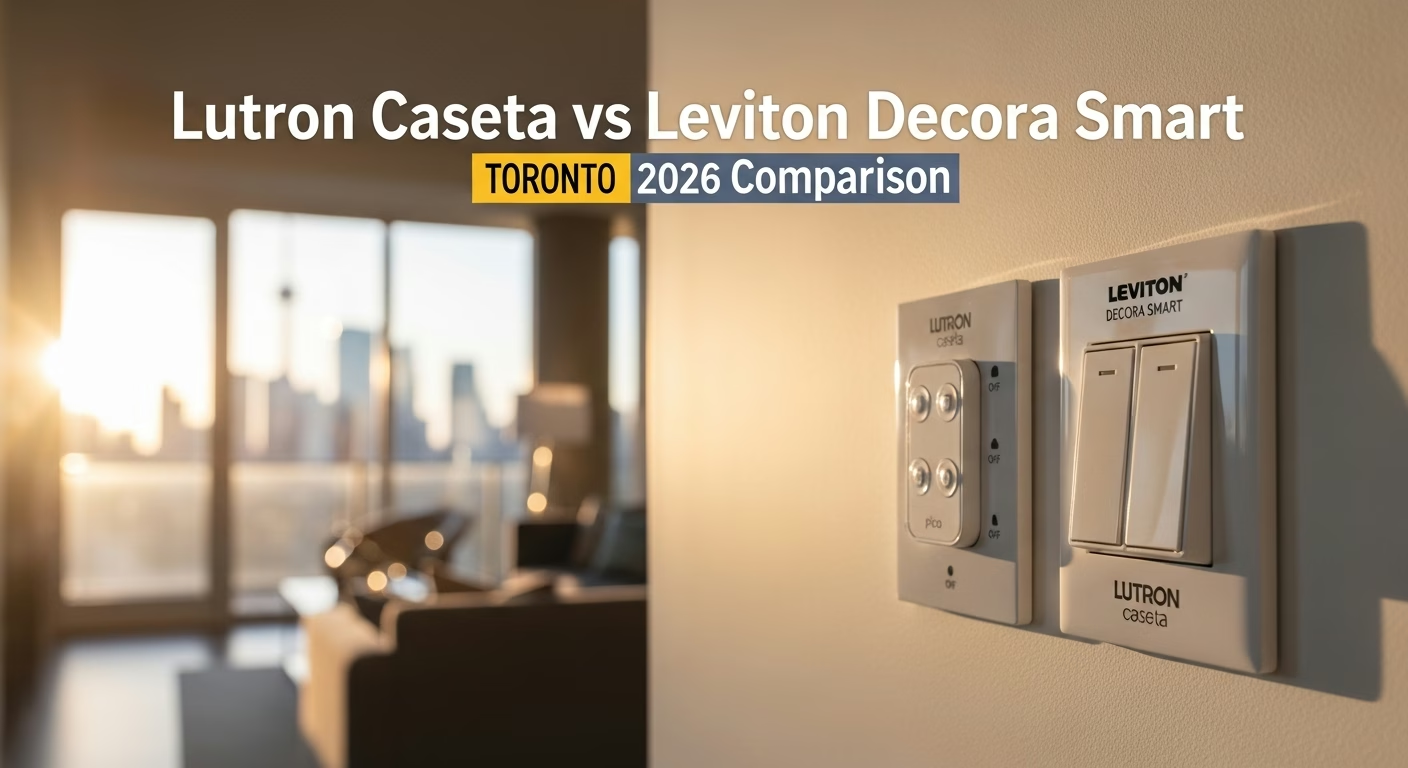

# Lutron Caseta vs Leviton Decora Smart in Toronto: 2026 Comparison
Quick answer. The two dominant smart switch brands in Toronto are Lutron Caseta and Leviton Decora Smart. They compete in roughly the same price range, both offer dimmers and switches, and both integrate with Apple Home, Google Home, and Amazon Alexa.The two dominant smart switch brands in Toronto are Lutron Caseta and Leviton Decora Smart. They compete in roughly the same price range, both offer dimmers and switches, and both integrate with Apple Home, Google Home, and Amazon Alexa. But they make very different bets on protocol, hub architecture, and wiring requirements — and those bets matter a lot in the context of older Toronto housing stock. This guide compares them directly across the dimensions that actually decide which brand is right for your home.
For the broader smart home picture, see Smart Home Installation Toronto: Complete 2026 Guide. For installation-specific guidance, see Smart Light Switches Installation Toronto. For protocol details, see Matter vs Z-Wave vs Zigbee Toronto.
The Short Answer
If your Toronto home was built before 1980, buy Lutron Caseta. The Caseta dimmers do not require a neutral wire at the switch box, which is the single most common wiring problem in pre-war Toronto homes. The Caseta also has a more reliable radio (Lutron Clear Connect at 434 MHz) that punches through plaster-and-lath walls better than Wi-Fi.
If your Toronto home was built after 1990, has neutrals at every switch box, and you do not want to deal with a separate hub, Leviton Decora Smart Wi-Fi is the simpler choice. It works directly over your home Wi-Fi without a bridge, and the switches are roughly $20–$40 cheaper per unit than Caseta.
The detailed comparison follows.
Hub Architecture
Lutron Caseta requires a Smart Bridge or Smart Bridge Pro ($80–$200 CAD). The bridge connects to your router via Ethernet and talks to switches over Lutron's proprietary 434 MHz Clear Connect radio. The bridge is what enables app control, voice control (Alexa, Google, Apple Home), and integrations with other systems.
- Wi-Fi line (model numbers starting with DW): no hub required; switches connect directly to your home Wi-Fi at 2.4 GHz.
- Z-Wave line (model numbers starting with DZ): requires a Z-Wave hub like SmartThings, Hubitat, or Ring Alarm Pro.
The Wi-Fi line is simpler but adds 15–40 devices to your home Wi-Fi load. In Toronto condos with shared 2.4 GHz spectrum, this can create reliability issues. The Z-Wave line is more reliable but pulls Leviton into the same hub-required category as Caseta.
Need professional electrical services?
Call RenoHouse at 289-212-2345 or get a free estimate today.
Get Free Estimate →Neutral Wire Requirements
This is the dimension that decides everything in older Toronto homes.
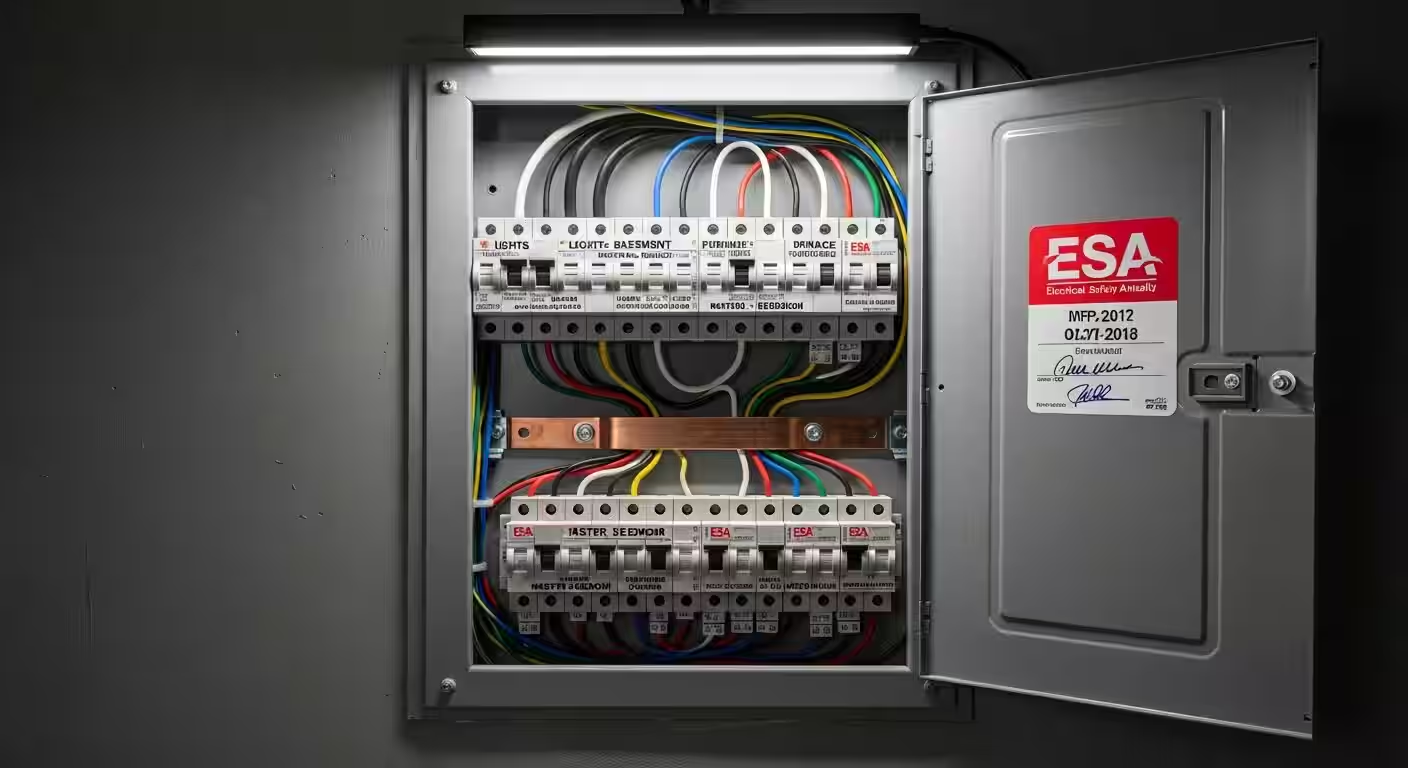
Lutron Caseta dimmers (PD-6WCL, PD-10NXD): no neutral required. The dimmer relies on a small leak current through the load to power its radio. Works on incandescent, halogen, dimmable LED, and dimmable CFL. Lutron Caseta switches (PD-5ANS, PD-5WS-DV): neutral required. Switches do not pass leak current the way dimmers do. Leviton Decora Smart Wi-Fi dimmers and switches (DW6HD, DW15S, DW1KD): neutral required. All Decora Smart Wi-Fi devices need a neutral wire at the box. Leviton Decora Smart Z-Wave (DZMX1, DZ15S): neutral required.For pre-1980 Toronto homes — Cabbagetown, Riverdale, parts of the Annex, Roncesvalles, Leslieville, Parkdale — Caseta dimmers are the only mainstream smart switch that works without rewiring. Many homeowners use a Caseta dimmer in every neutral-less box (even on non-dimmable loads, by setting the dimmer to its on/off mode) to keep the install simple.
Winner: Caseta, by a wide margin in older Toronto homes.Pricing (CAD, 2026)
| Item | Lutron Caseta | Leviton Decora Smart Wi-Fi |
|---|---|---|
| Single-pole dimmer | $79–$95 | $59–$79 |
| Single-pole switch | $69–$85 | $49–$69 |
| 3-way dimmer kit | $115–$145 | $95–$120 |
| Smart bridge / hub | $130–$220 | $0 (Wi-Fi) or $80+ (Z-Wave hub) |
| Pico remote (battery-free) | $35–$45 | N/A directly |
| Anywhere remote (battery) | N/A | $35–$50 (Decora Smart 4-button) |
A typical 12-switch retrofit in a Toronto semi:
- Caseta: 12 switches/dimmers ($900–$1,100) + 1 bridge ($150) + 4 Pico remotes ($150) = $1,200–$1,400 in parts.
- Decora Smart Wi-Fi: 12 switches/dimmers ($660–$880) + no bridge = $660–$880 in parts.
Reliability
Lutron Caseta's Clear Connect radio at 434 MHz is essentially uncongested. There is no other consumer device in Toronto airspace using that band at meaningful power. Combined with mesh repeating through Pico remotes, Caseta networks are famously reliable — multi-year deployments with zero dropouts are common.
Leviton Decora Smart Wi-Fi piggybacks on your home Wi-Fi at 2.4 GHz. In Toronto's RF-dense condo buildings (King West, CityPlace, ICE), 2.4 GHz is heavily congested and Decora switches can drop offline. In single-family homes with mesh Wi-Fi, this is rarely a problem.
Winner: Caseta in condos and dense urban areas; tie in suburban single-family homes with strong mesh Wi-Fi.App & Ecosystem Quality
The Lutron app is functional but dated; setup requires the bridge to be online and configuration is sometimes slow. Once configured, scenes and automations are rock-solid. Lutron integrates well with Apple Home, Google Home, Alexa, Sonos, Ecobee, Honeywell, and most major ecosystems. Lutron does NOT yet support Matter natively (as of 2026 Q2), but the Smart Bridge Pro exposes Caseta devices to Matter via HomeKit, Google Home, and Alexa bridges.
Leviton's My Leviton app is similar in feature depth. Decora Smart Wi-Fi switches support Matter as of firmware 2.0 (rolled out late 2025). This is a meaningful long-term advantage if you plan to mix brands.
Winner: Tie. Lutron is more polished in pure-Lutron deployments; Leviton is better for mixed-brand smart homes via Matter.Toronto Neighbourhood Recommendations
- Cabbagetown, Riverdale, Leslieville, Roncesvalles, Parkdale (pre-1920 housing): Caseta dimmers, no question. The neutral-wire savings alone justify the higher per-switch price.
- The Annex, Forest Hill, Rosedale (1920–1960 housing): Caseta. Most of these homes have been partially rewired but rarely have neutrals at every switch.
- Scarborough, Etobicoke, North York bungalows (1950–1975): Either works. Verify neutrals first; if present, Decora Smart Wi-Fi saves money.
- Markham, Richmond Hill, Vaughan, Mississauga (1985–present): Decora Smart Wi-Fi for budget builds, Caseta for premium reliability.
- King West, CityPlace, Yorkville condos: Caseta. The 2.4 GHz Wi-Fi reliability problem in condos is real.
When to Mix Both
Some Toronto homeowners use Caseta dimmers on the older circuits (no neutral) and Decora Smart Wi-Fi on newer circuits (with neutral). This works fine — both can be controlled from Apple Home, Google Home, or Alexa as a single ecosystem. The downside is two apps for direct control and two ecosystems for firmware updates.
How RenoHouse Approaches the Caseta vs Decora Decision
For every smart switch quote, we open at least three switch boxes in your home (front entry, kitchen, master bedroom) to verify neutral availability before recommending a brand. If 80%+ of boxes have neutrals, we typically recommend Decora Smart Wi-Fi. If under 50% have neutrals, we recommend Caseta. In the middle range, we discuss the tradeoff with you and often recommend a Caseta-mostly install with neutrals pulled to 2–3 critical boxes during the same visit.
Ready to start? Visit /services/electrical/smart-home-package for a free in-home assessment.
Sources & References
Authoritative sources cited in this guide:
- Industry Canada Spectrum (Wi-Fi 6E/7) — Wi-Fi spectrum regulations
- Ontario Electrical Safety Code — Smart switch electrical compliance
- CSA C22.1 (Canadian Electrical Code) — CEC standard for low-voltage
Continue Reading