RenoHouse

# Smart Home Installation Mistakes Toronto: 2026 What to Avoid
Quick answer. After 87 smart home installs in Toronto over 2024–2026, RenoHouse has seen the same handful of mistakes repeated by homeowners doing DIY installs and by other contractors. Each one is recoverable, but the rework is expensive and time-consuming.After 87 smart home installs in Toronto over 2024–2026, RenoHouse has seen the same handful of mistakes repeated by homeowners doing DIY installs and by other contractors. Each one is recoverable, but the rework is expensive and time-consuming. This guide is a frank list of the 12 most common smart home installation mistakes in Toronto homes — what they look like, why they happen, and how to avoid or fix them.
Need professional electrical services?
Call RenoHouse at 289-212-2345 or get a free estimate today.
Get Free Estimate →For the broader picture, see Smart Home Installation Toronto: Complete 2026 Guide. For cost-aware planning, see Smart Home Cost Toronto Comparison. For ecosystem decisions that go wrong here, see Apple Home vs Google Home vs Alexa Toronto.
Mistake 1: Buying Switches Before Checking for Neutrals
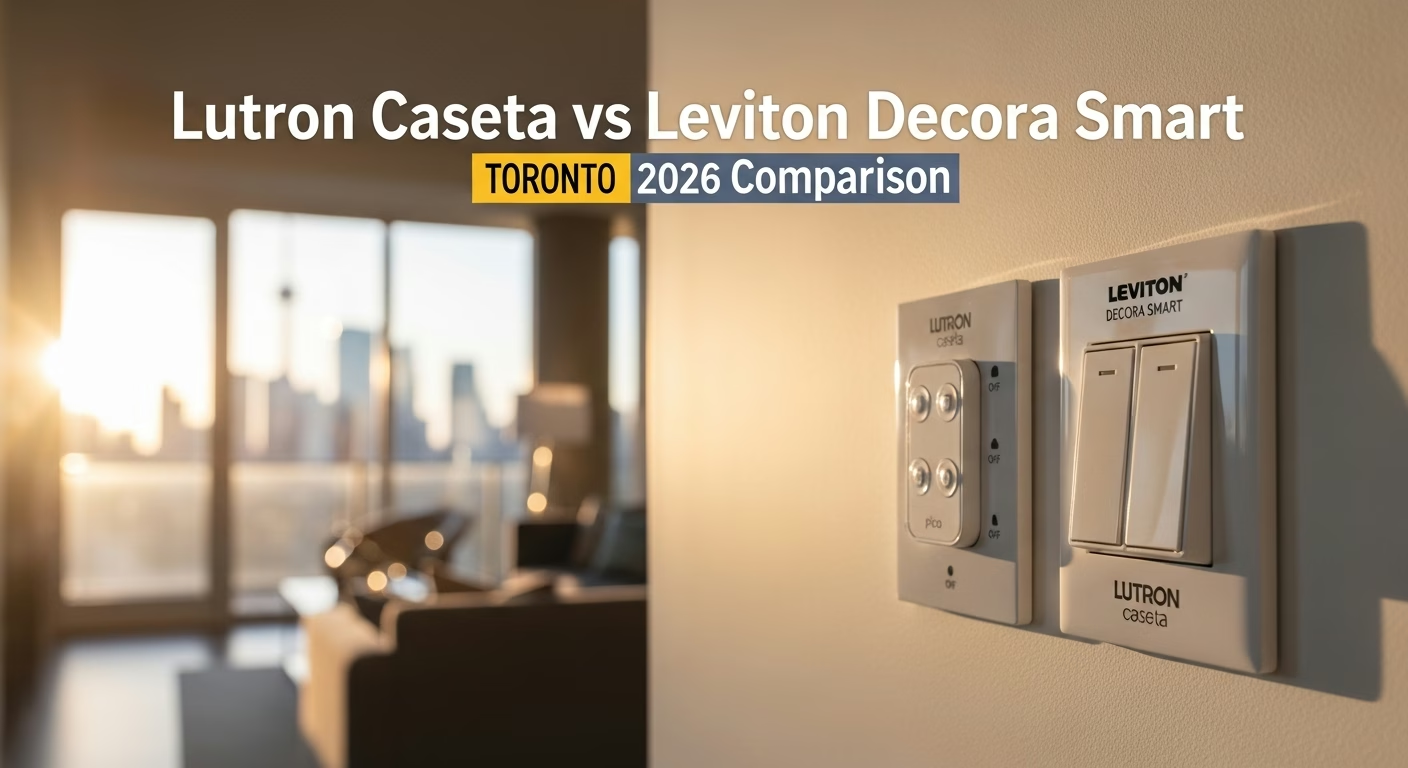
The mistake: Homeowner buys a 12-pack of Leviton Decora Smart Wi-Fi or Kasa switches based on a YouTube video, then opens the first switch box in their 1925 Cabbagetown semi to find no neutral wire. Returns are a hassle, switches sometimes already installed and damaged. Why it happens: Most YouTube smart switch tutorials are filmed in newer US homes that always have neutrals. Toronto pre-1980 homes often do not. The fix: Open 3–5 switch boxes BEFORE buying anything. If neutrals are missing, switch to Lutron Caseta dimmers (no neutral required for dimming loads). For details, see Smart Light Switches Installation Toronto.Mistake 2: Mixing Too Many Ecosystems
The mistake: Homeowner picks devices ad-hoc — a Ring doorbell because it was on sale, a Nest thermostat because it was Black Friday, a Hue starter kit, an Apple TV, and an Echo Dot. Two months later, no single app shows everything, voice commands work inconsistently, and automations across brands are unreliable.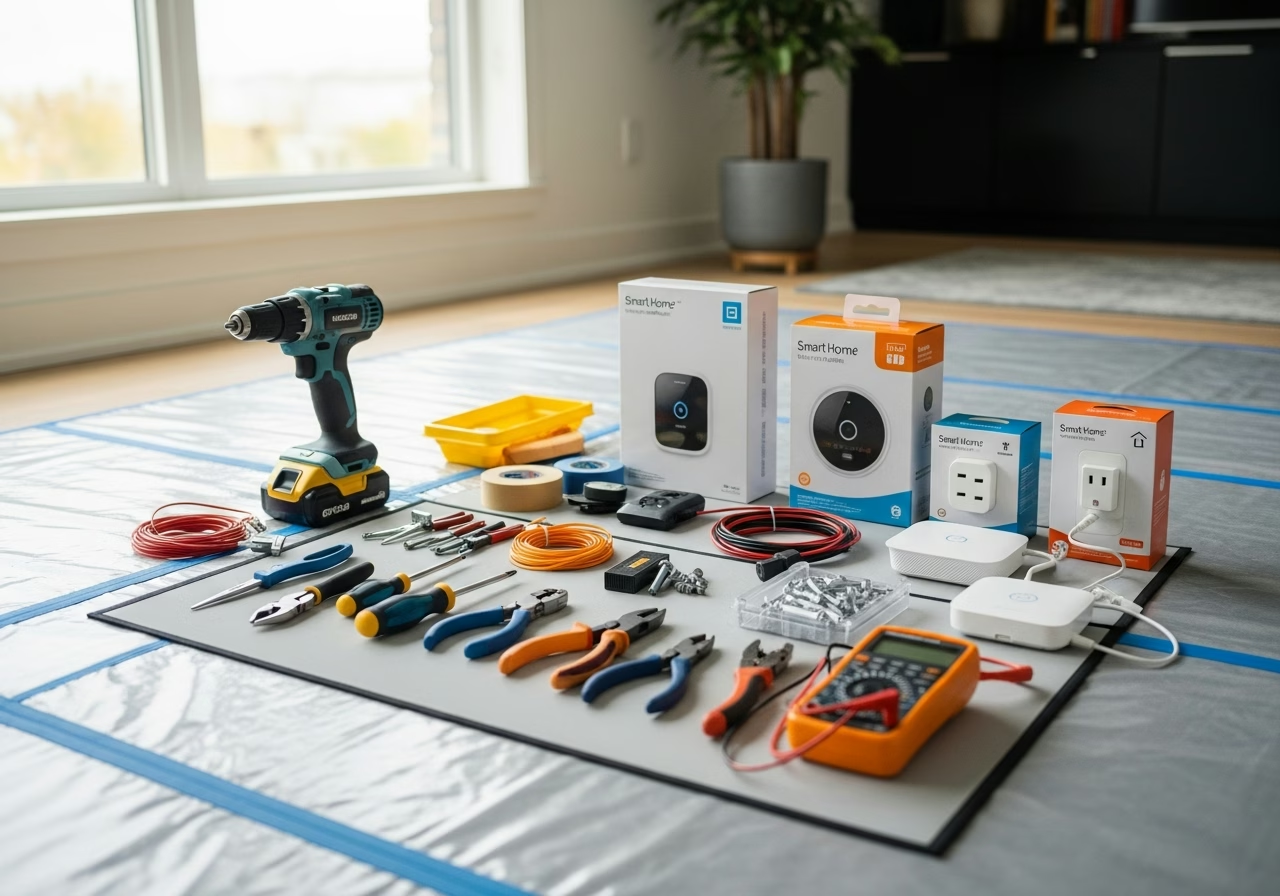
Mistake 3: Skipping Mesh Wi-Fi
The mistake: Homeowner installs 25 smart devices on the basic ISP-provided modem-router, then is surprised when devices drop offline randomly. Diagnostic time burned trying to fix individual devices instead of the underlying network. Why it happens: ISP routers (Bell Home Hub 4000, Rogers Ignite WiFi Hub) are designed for streaming and basic browsing — not for 30+ simultaneous device connections through plaster or concrete. The fix: Add a 3-pack mesh Wi-Fi system (Eero 6E, TP-Link Deco XE75, Asus ZenWiFi XT9) before adding more than ~10 smart devices. Budget $400–$800 for this. Consider it part of the smart home cost, not a separate IT project.Mistake 4: Ignoring the Doorbell Transformer
The mistake: Homeowner installs a Ring Pro 2 or Nest Doorbell wired into existing 8V or 10V doorbell wires. The doorbell shows "low power" warnings, drops offline in cold weather, and the existing in-home chime hums constantly. Why it happens: Most pre-2000 Toronto homes have 8V or 10V doorbell transformers; modern smart doorbells need 16V at 10VA minimum. The fix: Check the existing transformer voltage BEFORE buying the smart doorbell. If undersized, swap during the install (~$120–$220 with permit). For full doorbell guidance, see Smart Doorbell Camera Installation Toronto.Mistake 5: Not Pulling an ESA Permit
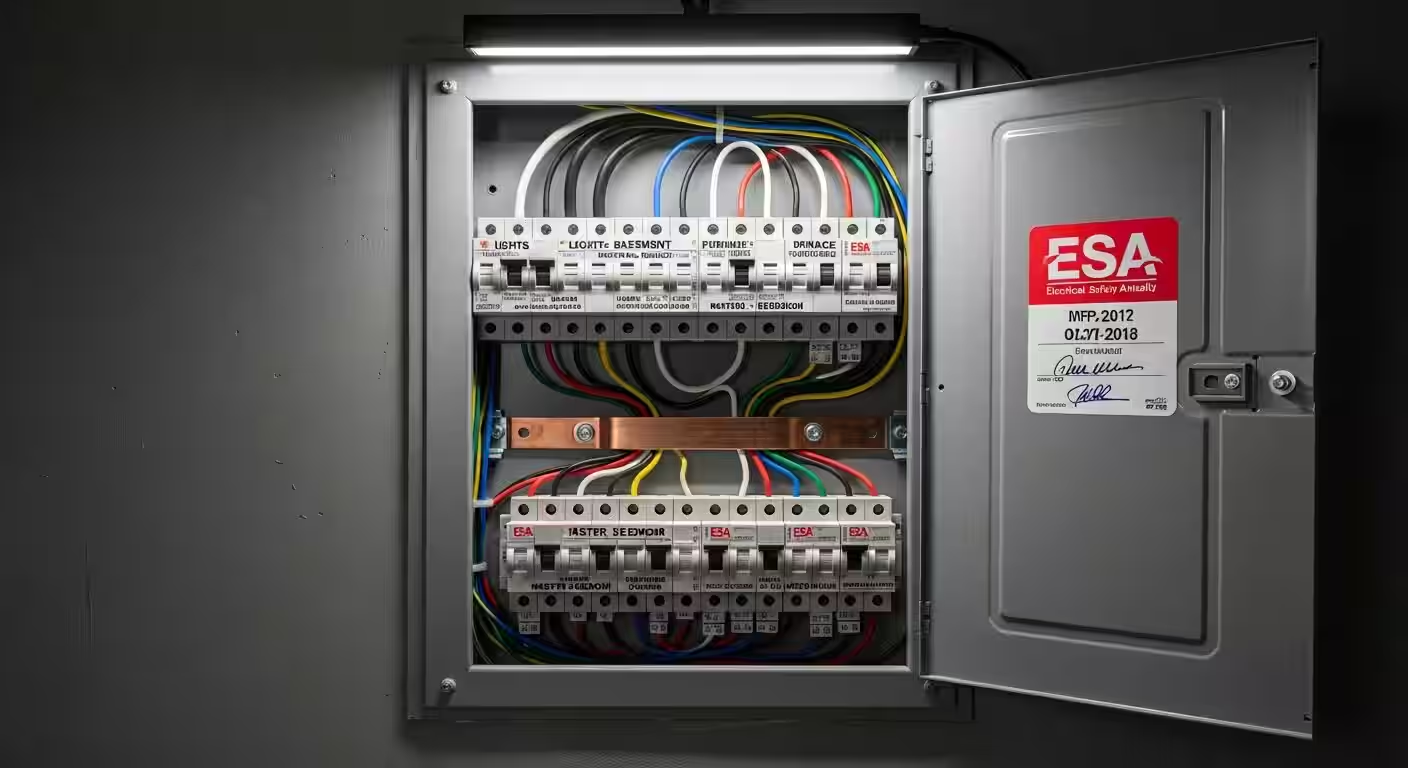
The mistake: Homeowner or contractor installs 15–25 smart switches without an ESA permit. Years later during home sale or insurance claim, the absence of an ESA Certificate of Inspection becomes a problem. Why it happens: Smart switch installation feels minor — many homeowners do not realize it counts as electrical work requiring a permit under Ontario Regulation 164/99. The fix: Always pull an ESA permit for any switch replacement involving wiring changes. Homeowner permits are $100–$150 in 2026. Contractor permits are typically rolled into the quote.Mistake 6: Choosing Battery Doorbell for Toronto Winter
The mistake: Homeowner installs a Ring Battery Doorbell Pro or Nest Doorbell battery in November. By mid-January, the battery is dead and they are bringing it indoors weekly to recharge. Why it happens: Battery doorbells are advertised with "6-month battery life" — but that is at 20°C, not -25°C. The fix: Use wired doorbells when existing wires are present (most pre-2010 Toronto homes). If no wires exist, pulling new doorbell wire costs $200–$400 and is far cheaper over 5 years than battery hassle.Mistake 7: Mismatching 3-Way Smart Switch Brands
The mistake: Homeowner installs a Caseta dimmer at the top of stairs and tries to pair it with the existing mechanical 3-way switch at the bottom. The light works from the bottom but not the top, or vice-versa. Why it happens: 3-way smart switches require a brand-matched companion (Caseta needs Caseta auxiliary or Pico, Decora needs Decora 3-way companion). Mixing brands does not work. The fix: When buying 3-way smart switches, buy the matched 3-way companion or auxiliary from the same brand. Lutron Pico remotes are particularly versatile here — they can replace the second 3-way switch entirely without rewiring.Mistake 8: Installing Smart Lock Without Checking Door Bore
The mistake: Homeowner buys a Schlage Encode Plus, removes the existing deadbolt, and discovers the new lock does not fit because the door bore is non-standard (1-1/2" instead of 2-1/8") or the door is too thin (1-3/8" interior-style door used as front door). Why it happens: Door bore variations are common in pre-1940 Toronto homes and some 1950s bungalows. Box specs assume modern North American standard. The fix: Measure door thickness AND cross-bore diameter before buying. If non-standard, either choose a retrofit lock (August Wi-Fi 4th gen) or hire a locksmith to redrill the door first ($200–$300). For more, see Smart Locks Front Door Toronto Comparison.Mistake 9: Putting Smart Bulbs Behind Smart Switches
The mistake: Homeowner installs Philips Hue bulbs in living room recessed lights AND replaces the wall switch with a smart switch. When the smart switch is off, the bulbs lose power and become unresponsive.
Mistake 10: Forgetting About Renters / Tenants
The mistake: Homeowner installs a fully integrated smart home in a property they rent out 12 months later. New tenant moves in and the smart home does not pair to their phone — they see a half-broken system controlled by the previous owner's account. Why it happens: Smart home accounts are tied to email addresses, not properties. The fix: Before any tenant move-in, factory-reset all devices and re-pair to a generic "house account" email that can be transferred. Document the procedure for the tenant. For Airbnb-style short-term rentals, use a smart lock with code-based access (Schlage Encode Plus is excellent here) and disable account-based unlocking.Mistake 11: Configuring Without Notifications Filtering
The mistake: Homeowner installs an outdoor camera, sets motion alerts on, and is then bombarded by 200 notifications per day from passing cars, blowing leaves, and cats. Why it happens: Default motion-detection settings are over-aggressive. Notification fatigue follows within 1–2 weeks; the camera becomes useless. The fix: Configure motion zones (only the porch, not the street), motion sensitivity (medium-low), and person detection (most modern cameras have AI person/package/vehicle detection — turn off non-person alerts). Set notification quiet hours.Mistake 12: Not Documenting Account Credentials
The mistake: Homeowner installs everything, then 3 years later wants to change something or sell the home and cannot remember which email registered the Lutron account, the Eero account, the Ecobee account, the Nest account, etc. Why it happens: Smart home setup is multi-account by nature. Notes are rarely kept. The fix: Maintain a single document (Notes app, password manager, even a printed list in the breaker panel) listing every smart home account, the email used, the device count, and the firmware version. Update twice a year. This single discipline saves hours during troubleshooting and at home sale.Bonus: Mistakes Specific to Toronto Condos
- 13. Trying to install a wired Nest in a fan-coil condo — the wires do not match. Nest needs Rh/Rc, fan-coils have line-voltage. Use Mysa Line-Voltage instead.
- 14. Installing a doorbell on the corridor side of a condo door — usually prohibited by bylaws; check first.
- 15. Running new wires inside concrete walls — usually prohibited; use existing pathways or surface-mount channels.
For all condo-specific issues, see Smart Home Condo Installation Toronto.
How RenoHouse Avoids These Mistakes
Our pre-install assessment specifically addresses each item above: switch box neutral check, ecosystem confirmation, Wi-Fi survey, doorbell transformer test, ESA permit pull, door bore measurement, condo bylaw review. We provide a written installation plan before starting any work, and we maintain account documentation that we hand over to you on completion.
Ready to start? Visit /services/electrical/smart-home-package.
Sources & References
Authoritative sources cited in this guide:
- Industry Canada Spectrum (Wi-Fi 6E/7) — Wi-Fi spectrum regulations
- Ontario Electrical Safety Code — Smart switch electrical compliance
- CSA C22.1 (Canadian Electrical Code) — CEC standard for low-voltage
Continue Reading