RenoHouse

The Short Answer
For any new home network install in Toronto in 2026, pull Cat6a. Skip Cat5e (too slow), skip Cat6 (not enough headroom for 10 Gbps at full distance), and skip Cat7 (not part of the standard RJ45 ecosystem your gear actually uses).
This post explains why, with the real numbers and the real prices.
Cable Categories at a Glance
Each "category" is a TIA/EIA spec defining how much bandwidth a twisted-pair cable can carry, and at what distance, with how much shielding.
- 1 Gbps to 100 metres
- 100 MHz bandwidth
- Unshielded
- Still in many Toronto homes built 2005-2015
- Fine for phones, hopeless for modern networking
- 1 Gbps to 100 metres
- 10 Gbps to about 55 metres under good conditions, often less in real installs
- 250 MHz bandwidth
- Usually unshielded (UTP)
- The "default" pull from 2010 to 2020
- 10 Gbps to the full 100 metres
- 500 MHz bandwidth
- Shielded against alien crosstalk (F/UTP or S/FTP)
- The current standard for new builds and serious retrofits
- The cable we specify on every Toronto install in 2026
- 10 Gbps to 100 metres, 600 MHz bandwidth
- Uses GG45 or TERA connectors, not standard RJ45
- Not part of the TIA/EIA standard in North America
- Shows up in Amazon listings but the connectors and patch panels for it are rare and expensive
- Generally a marketing label rather than a useful spec
- 25 or 40 Gbps to only 30 metres
- Designed for data-centre top-of-rack runs, not homes
- Overkill and mis-specified for residential
Why 10 Gbps Distance Matters
A typical Toronto detached home has runs of 25 to 40 metres from the basement panel to the second floor far bedroom. A typical condo has runs of 10 to 20 metres. Both are well within Cat6a's 100-metre 10 GbE spec.
Cat6 *can* carry 10 Gbps, but only on shorter runs and only when alien crosstalk (interference from neighbouring cables in the same bundle) stays low. In a structured wiring panel where 16 cables share a single conduit run for 30 metres, Cat6 starts to struggle above 2.5 to 5 Gbps. Cat6a does not.
Real Toronto Pricing (2026)
Material cost only, 305 metre (1000 ft) box, mid-tier brand:
- Cat5e UTP: $130 to $180
- Cat6 UTP: $200 to $280
- Cat6a F/UTP: $400 to $550
- Cat7 S/FTP: $500 to $700 (and you still need adapters)
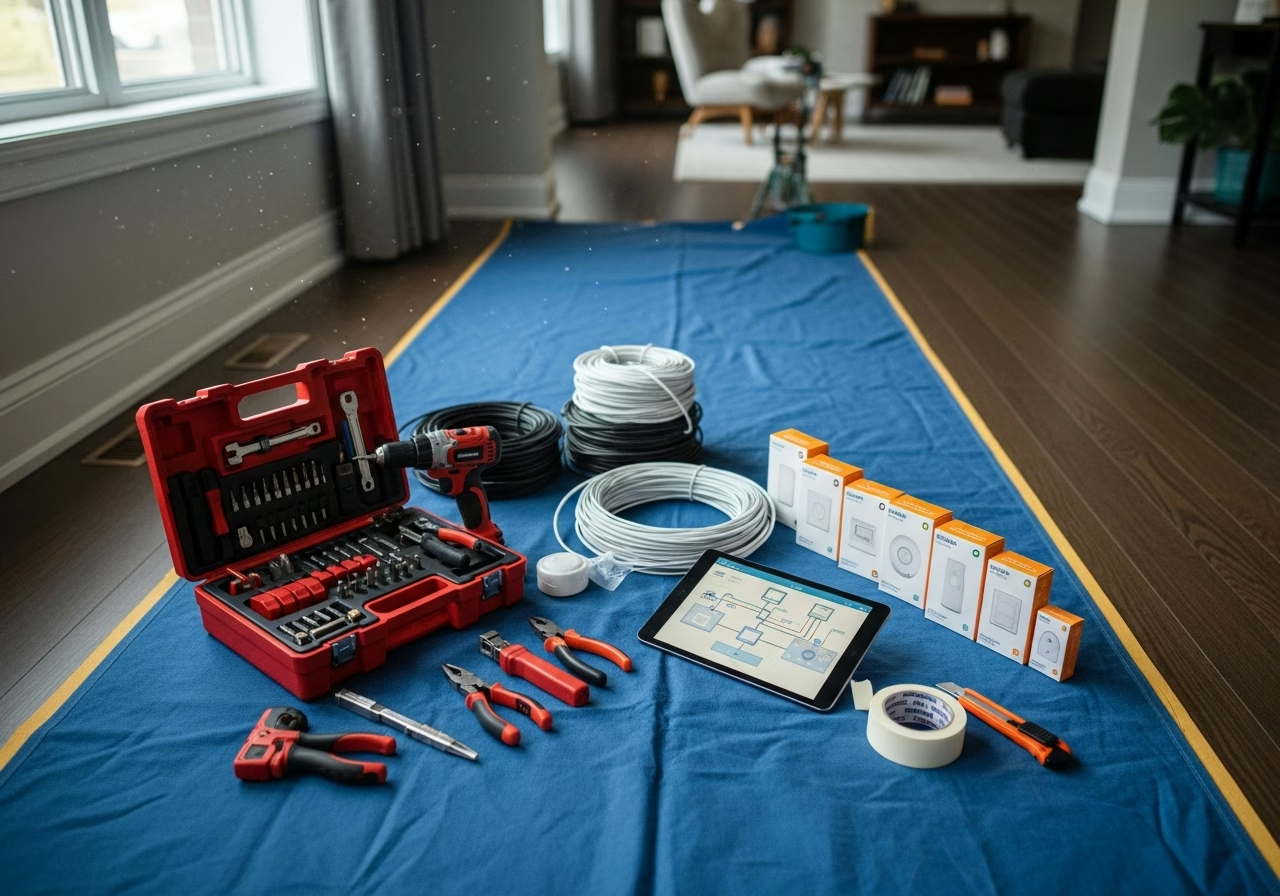
A typical home pulls 12 to 18 drops. Average drop length 25 metres. Total cable: 300 to 450 metres. So material delta between Cat6 and Cat6a on a whole-home install is roughly $200 to $400.
Need professional electrical services?
Call RenoHouse at 289-212-2345 or get a free estimate today.
Get Free Estimate →Labour to fish, terminate, test, and patch the same drops is $3,500 to $7,000 on a retrofit. The cable-cost difference is noise.
Shielding: When It Matters
Cat6a comes in two main constructions:
- F/UTP (foil shield around all four pairs) — the most common Cat6a construction, easier to terminate, sufficient for residential.
- S/FTP (braid shield around all four pairs plus foil around each pair) — heavier, harder to terminate, needed only in high-EMI environments like industrial floors or near MRI machines.
For Toronto homes, F/UTP is correct. S/FTP is overkill and costs more in time at termination than it saves in interference.
Termination Hardware
Cat6a needs:
- Cat6a-rated keystone jacks (Leviton Atlas-X1, Panduit Mini-Com, Belden REVConnect)
- Cat6a patch panels at the structured panel
- Cat6a patch cords between panel and switch — a Cat6 patch cord on a Cat6a run downgrades the whole channel
Buying Cat6a cable and pairing it with Cat6 jacks is one of the most common DIY mistakes. The chain is only as fast as its weakest link.
What About Fiber?
Fiber inside the home is overkill for almost everyone in 2026, but there are two cases where it makes sense:
- 1. Detached garage, ADU, or coach house more than 90 metres from the main panel. Cat6a hits its distance limit; OM4 multimode fiber does not.
- 2. Future-proof 10 GbE backbone between floors in a luxury home where someone genuinely runs NAS workloads. Pull a single OS2 single-mode pair alongside the Cat6a.
Otherwise, copper is fine.
Honest Positioning
Pulling low-voltage cable does not require an ESA permit. We pull it as part of our low-voltage cabling and network configuration service.
If your install includes a dedicated 120 V circuit for the network rack, our Master Electrician handles the permit and inspection on that portion.
When to Choose What
- Renting, simple needs: existing Cat5e is probably fine, replace only if speed-tested under 500 Mbps.
- Owning, no renovation planned: Cat6a retrofit if you can stomach the labour cost.
- Mid-renovation, walls open: Cat6a, no exceptions.
- New build: Cat6a everywhere plus a single OS2 fiber pair between floors.
Ready to Spec Your Cable?
We will walk your home, design the cable plan, and quote the install. Pre-wires during renovation are the cheapest networking dollars you will ever spend.
Book a Network AssessmentRelated Reading
- Whole-Home Networking Toronto 2026 Complete Guide
- Cat6a During Renovation Pre-Wire Toronto
- Whole-Home Networking Cost Toronto
- Smart Home Installation Toronto 2026
Sources & References
Authoritative sources cited in this guide:
- Industry Canada Spectrum (Wi-Fi 6E/7) — Wi-Fi spectrum regulations
- Ontario Electrical Safety Code — Smart switch electrical compliance
- CSA C22.1 (Canadian Electrical Code) — CEC standard for low-voltage
Continue Reading