RenoHouse

The Camera Landscape in 2026
Toronto homeowners installing cameras in 2026 typically pick from three camps:
- Cloud-first consumer: Ring, Nest, Arlo, Eufy. App-based, monthly subscription for cloud video.
- Hybrid prosumer: Reolink, Amcrest, TP-Link Tapo. Cloud optional, local NVR supported.
- Pro/local: Ubiquiti UniFi Protect, Hikvision, Axis, Dahua. Local NVR, optional cloud, full control.
Each integrates with your home network differently. Here is the practical guide.
How Cameras Connect to Your Network
Three connection options:
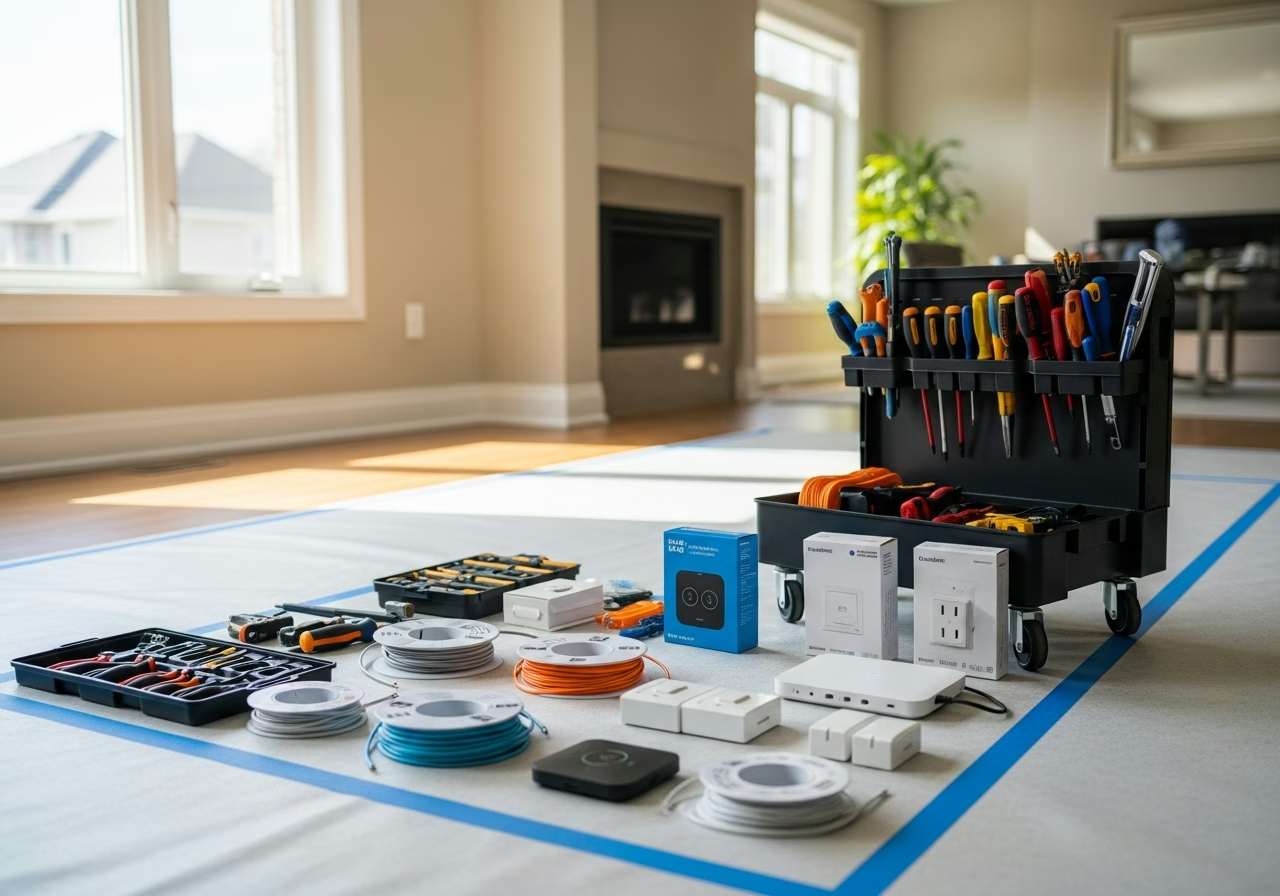
For any serious permanent installation, PoE wired is the right answer. Wi-Fi cameras are fine as supplements but should not be your perimeter.
Power over Ethernet Basics
PoE comes in three power tiers:
- PoE (802.3af): 15.4 W. Enough for basic IP cameras and access points.
- PoE+ (802.3at): 30 W. The new baseline for prosumer cameras with PTZ, IR, heaters.
- PoE++ (802.3bt): 60 W or 100 W. Required for larger PTZ cameras, multi-radio APs, and heated outdoor cameras.
A typical Toronto camera install uses PoE+ as the default. The PoE switch (Ubiquiti USW Pro 24 PoE, TP-Link TL-SG2428P, Aruba Instant On) lives in the structured wiring panel and powers everything.
Need professional electrical services?
Call RenoHouse at 289-212-2345 or get a free estimate today.
Get Free Estimate →Camera Placements for Toronto Homes
For a typical detached Toronto home:
- Front door + driveway: 1 camera, often a smart doorbell + 1 wide-angle.
- Side gates / walkways: 1 camera each.
- Back yard: 1 to 2 cameras (deck/patio plus rear yard view).
- Garage: 1 interior + 1 exterior pointed at driveway.
- Optional: rear lane (back-alley homes), front porch package view.
Total: typically 4 to 8 cameras for full perimeter coverage.
Ring (Amazon)
Strengths:- Easiest install, especially for doorbell cameras
- Strong app ecosystem
- Good battery models for renters or no-cabling situations
- Wide hardware range
- Requires Ring Protect subscription for any video history
- Cloud-only — no local recording option
- Wi-Fi dependent
- Privacy controversies and police data-sharing history
- Put Ring devices on the IoT VLAN.
- Allow internet egress only.
- Block from accessing your Trust VLAN.
Nest (Google)
Strengths:- Excellent video quality
- Best AI for human/package/face detection
- Tight Google Home integration
- Solid app
- Subscription required for most useful features
- Cloud-only
- Battery models have shorter battery life than Ring equivalents
Reolink and Amcrest (Hybrid)
Strengths:- Local recording supported (microSD or NVR)
- Optional cloud, no mandatory subscription
- Good price-to-performance
- PoE models available
- App polish below Ring/Nest
- AI features less developed
- Some models phone home to overseas servers (block at firewall)
- PoE-wired, on a dedicated Cameras VLAN.
- Block all internet egress (forces local-only).
- Local recording to a Synology NAS or dedicated NVR.
Ubiquiti UniFi Protect
Strengths:- Best-in-class user experience for a local NVR system
- Tight integration with UniFi network gear
- No subscription required
- Excellent mobile app
- AI detection on the NVR itself
- Strong build quality (G5 Pro, G6 series)
- Higher hardware cost
- Best results require full UniFi network stack
- Limited third-party camera support
- PoE-wired to a UniFi switch.
- Cameras on dedicated VLAN, isolated from internet.
- UNVR (Network Video Recorder) does all local recording.
- Optional cloud access via Ubiquiti's relay (encrypted, free).
NVR vs Cloud Storage
Cloud storage (Ring, Nest, Arlo Premium):- $5 to $20 per month per device
- Convenient, off-site backup
- Vendor-dependent — if they shut down, your video goes away
- Privacy considerations
- $400 to $2,000 hardware up front
- $0 monthly
- Footage stays on your property
- Total control
- Recommended for any install with 4+ cameras
We strongly prefer local NVR for any whole-home install.
Doorbell Camera Considerations
Doorbells are a special case because they need:
- Clear view of the door
- Audio two-way
- Low latency for ring notifications
- Connection to the home's existing chime (or wireless chime)
We cover doorbells in detail in Smart Doorbell Camera Installation Toronto.
Recording Continuously vs Motion-Only
- Continuous recording keeps a 24/7 timeline. Storage-heavy but you never miss anything.
- Motion-only records only when motion triggers. Saves storage but can miss events.
For most Toronto homes with 6+ cameras, motion-only on a local NVR is the practical choice. Storage requirements drop by 10x or more.
Realistic Cost: 6-Camera Toronto Install
- 6x UniFi G5 Bullet or G5 Pro cameras: $1,800 to $2,400
- UniFi UNVR with 4 TB drive: $400 + $100 drive
- 8-port PoE+ switch (if not already present): $250
- Cat6a cabling, 6 drops to camera locations, retrofit: $2,400 to $4,200
- Configuration, NVR setup, app config, training: $400 to $700
For pre-wired homes during renovation, subtract roughly $1,500 to $2,500 from the cabling line.
Honest Positioning
Camera installation is low-voltage cabling and network configuration work. No ESA permit required. Any 120 V tie-in (camera floodlights with line-voltage feeds, garage outlet for the NVR) is handled by our Master Electrician under ESA permit.
Next Step
We design and install camera systems that integrate cleanly with the rest of your home network, with no monthly subscriptions and full local control.
Book a Network and Camera AssessmentRelated Reading
- Whole-Home Networking Toronto 2026 Complete Guide
- Smart Doorbell Camera Installation Toronto
- Home Network Security Firewall Toronto
- Smart Home Installation Toronto 2026
Sources & References
Authoritative sources cited in this guide:
- Industry Canada Spectrum (Wi-Fi 6E/7) — Wi-Fi spectrum regulations
- Ontario Electrical Safety Code — Smart switch electrical compliance
- CSA C22.1 (Canadian Electrical Code) — CEC standard for low-voltage
Continue Reading