RenoHouse

Why Condo Wi-Fi Is Different
Toronto condos are some of the most hostile environments for Wi-Fi we work in. The combination of:
- Thick concrete demising walls
- Reflective surfaces (steel, glass)
- Dozens of neighbour networks fighting for spectrum
- Building common-area Wi-Fi flooding the airwaves
- Limited cabling pathways
- ISP-provided gateway that has to live where the cable enters the unit
...creates problems that single-router setups cannot solve.
This post covers the realistic playbook for a downtown Toronto condo (King West, CityPlace, Liberty Village, Yorkville, Yonge & Eglinton, Distillery, Yonge & Bloor).
The Concrete Wall Problem
Wi-Fi attenuation through 8 inches of reinforced concrete is severe — often 30 to 40 dB across all bands, more on 6 GHz. That means even a strong AP loses 99.9 percent of its signal getting through one wall.
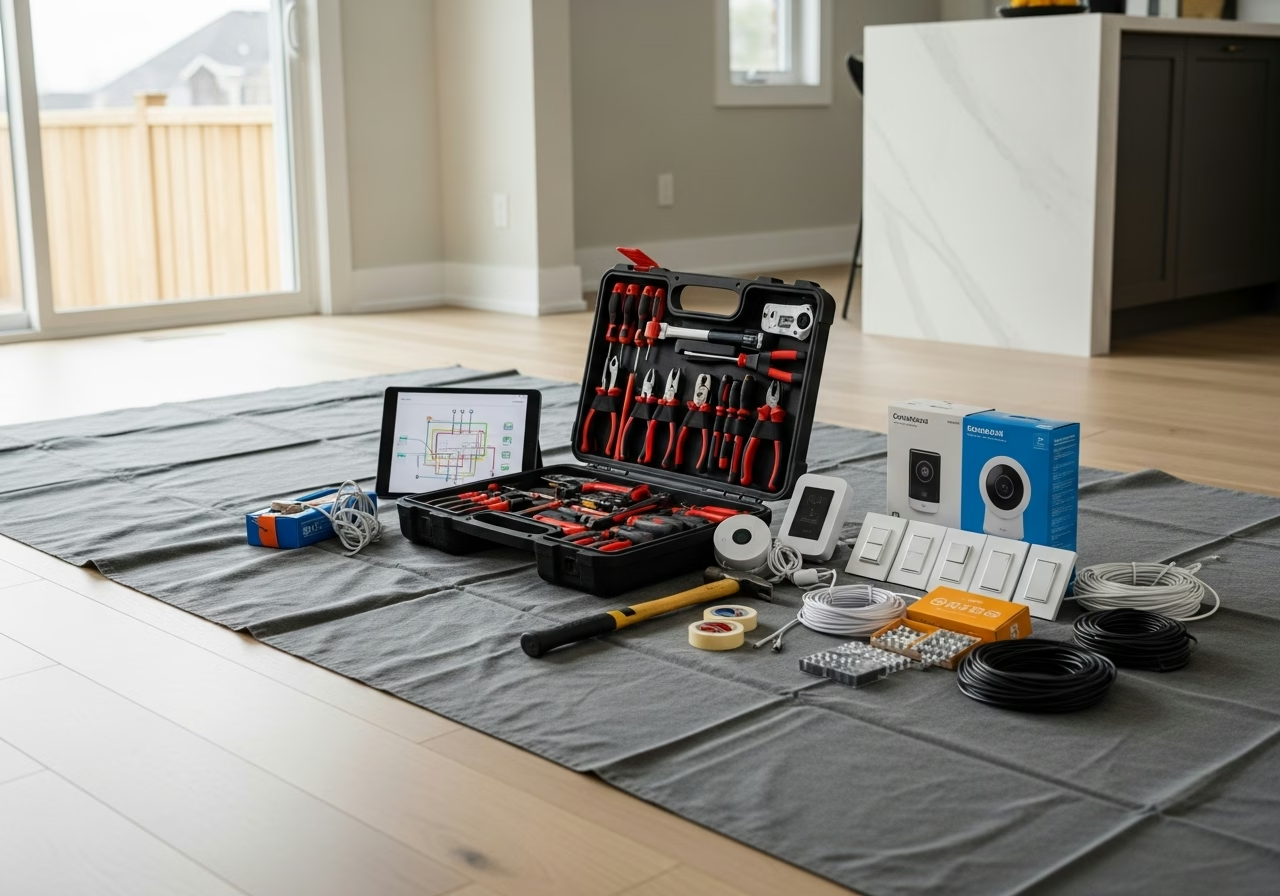
In practice: the AP in the living room cannot reliably cover a bedroom on the other side of a concrete wall. Period. No amount of "more powerful" hardware fixes physics.
The solution: Two access points. One in the living/kitchen area, one in the bedroom hallway. Cat6a between them.The Neighbour Interference Problem
Walk through a 30th-floor unit in King West with a Wi-Fi analyzer. You will typically see:
- 40 to 80 SSIDs visible
- All 11 channels in 2.4 GHz fully occupied
- 5 GHz lower channels (36-48) congested, DFS channels 52-144 less so but with radar dropouts
- 6 GHz comparatively clean (the migration is still in progress)
- 1. Disable 2.4 GHz on devices that do not need it.
- 2. Use 5 GHz DFS channels where possible (proper APs handle radar avoidance gracefully).
- 3. Push as many clients as possible to 6 GHz (Wi-Fi 6E or Wi-Fi 7 hardware).
This is one of the strongest reasons to install Wi-Fi 6E or Wi-Fi 7 in a Toronto condo specifically.
Need professional electrical services?
Call RenoHouse at 289-212-2345 or get a free estimate today.
Get Free Estimate →The ISP Gateway Problem
In most Toronto condos, the ISP cable or fibre enters at a single point — typically a small media closet near the front door, or a wall plate behind the TV. The ISP gateway has to live there.
The problem: That location is rarely where you want your Wi-Fi coverage centred. The solution: Put the ISP gateway in bridge mode, run Cat6a from there to a central point in the unit, and use proper APs ceiling-mounted in the right locations.If pulling cable through finished concrete walls is impossible (sometimes it is), MoCA adapters (using the existing coax in the unit) or Powerline are fallbacks. They are not as good as Cat6a but they work better than wireless backhaul.
Cabling Strategies for Condos
Three real options:
Option 1: Drop ceiling or beam soffit. Some King West and CityPlace condos have drop ceilings or visible structural beams that allow surface-mount cable runs without opening drywall. Easiest install. Option 2: Baseboard or quarter-round. Run flat Cat6a behind baseboard or under quarter-round trim. Painted to match. Almost invisible. Common in our condo retrofits. Option 3: MoCA over coax. Most condos have coax to multiple rooms. MoCA 2.5 adapters give you 2.5 Gbps over existing coax. Slightly higher latency than direct Ethernet but far better than wireless. Option 4: Crown moulding pathway. Add crown moulding with a hidden cable channel during a small reno.We choose the right approach based on your unit's specific construction.
Realistic Hardware for Toronto Condos
Smaller unit (under 900 sq ft, no concrete demising walls):- Single Wi-Fi 7 AP (Ubiquiti U7 Pro) ceiling-mounted in the central hallway
- Or a 2-pack mesh (Eero Max 7) with wired backhaul
- Two access points, one main living, one bedroom hallway
- Wired backhaul over Cat6a
- UDM SE or similar gateway
- Three access points
- Full UniFi or premium mesh setup
Common Condo Mistakes
- Single Wi-Fi 7 router behind the TV. No matter how good the radio, concrete blocks it.
- Fighting neighbour networks on 2.4 GHz. Just stop using 2.4 GHz for any device that supports 5 GHz.
- Letting the ISP router do everything. Bridge mode it.
- Using a "Wi-Fi extender" in the bedroom. Extenders cut throughput in half. Use a proper AP with wired or MoCA backhaul.
- Trying to cover three rooms from one corner. It does not work.
What About Building Wi-Fi?
Many newer Toronto buildings (especially short-term-rental-friendly ones) have building-wide Wi-Fi in common areas. This interferes with your in-suite network. There is nothing you can do about it directly, but choosing 6 GHz for your devices avoids most of it.
Short-Term Rental and Hosting Considerations
If you host on Airbnb in your condo, separate the guest network from your IoT and personal devices. A proper UniFi or Eero setup makes this easy:
- Main SSID: your devices
- IoT SSID: smart home gear
- Guest SSID: rental guests, with isolation enabled and bandwidth limited
This is a five-minute config change and dramatically improves security and reliability.
Realistic Costs for Toronto Condo Networking
- Single AP install with cabling, basic config: $700 to $1,200
- Two-AP install with bridge mode, VLANs, full Wi-Fi 7 setup: $1,800 to $3,000
- Premium three-AP install in larger units: $3,500 to $5,500
Honest Positioning
Pulling low-voltage Cat6a, mounting access points, and configuring the network is low-voltage work — no ESA permit required. Any 120 V tie-in (rare in condos) goes through our Master Electrician under ESA permit.
Some condo boards require board approval for cabling work. We work with the board and handle the documentation when needed.
Next Step
Condo networking is a specialty. We have done dozens of King West, CityPlace, Liberty Village, and downtown Toronto condo networks.
Book a Network AssessmentRelated Reading
- Whole-Home Networking Toronto 2026 Complete Guide
- Mesh Wi-Fi vs Access Points Toronto
- Wi-Fi 7 vs Wi-Fi 6E vs Wi-Fi 6 Toronto
- Smart Home Installation Toronto 2026
Sources & References
Authoritative sources cited in this guide:
- Industry Canada Spectrum (Wi-Fi 6E/7) — Wi-Fi spectrum regulations
- Ontario Electrical Safety Code — Smart switch electrical compliance
- CSA C22.1 (Canadian Electrical Code) — CEC standard for low-voltage
Continue Reading