RenoHouse

Why Whole-Home Networking Matters in 2026
Five years ago, a single Wi-Fi router in the basement was good enough for most Toronto homes. In 2026, the math has changed completely. The average Toronto household now has 30 to 60 connected devices — phones, laptops, smart TVs, doorbells, thermostats, security cameras, robot vacuums, EV chargers, gaming consoles, smart speakers, and a long list of background services that quietly chew through bandwidth.
On top of that, Toronto's work-from-home reality is permanent. Reliable video calls, large file uploads, and cloud-based design or development tools demand low latency, low jitter, and bandwidth that holds up under load. A flaky Wi-Fi network is no longer a minor annoyance — it costs you billable hours.
Whole-home networking is the practice of designing your house like a small office: structured Cat6a cabling running back to a central panel, professional-grade wireless access points placed where they actually cover the home, and a router/firewall capable of moving multi-gigabit traffic without choking. Done properly, you stop thinking about Wi-Fi entirely. It just works.
What "Structured Wiring" Actually Means
The term gets thrown around loosely. Here is what a real structured wiring install includes in a Toronto home:
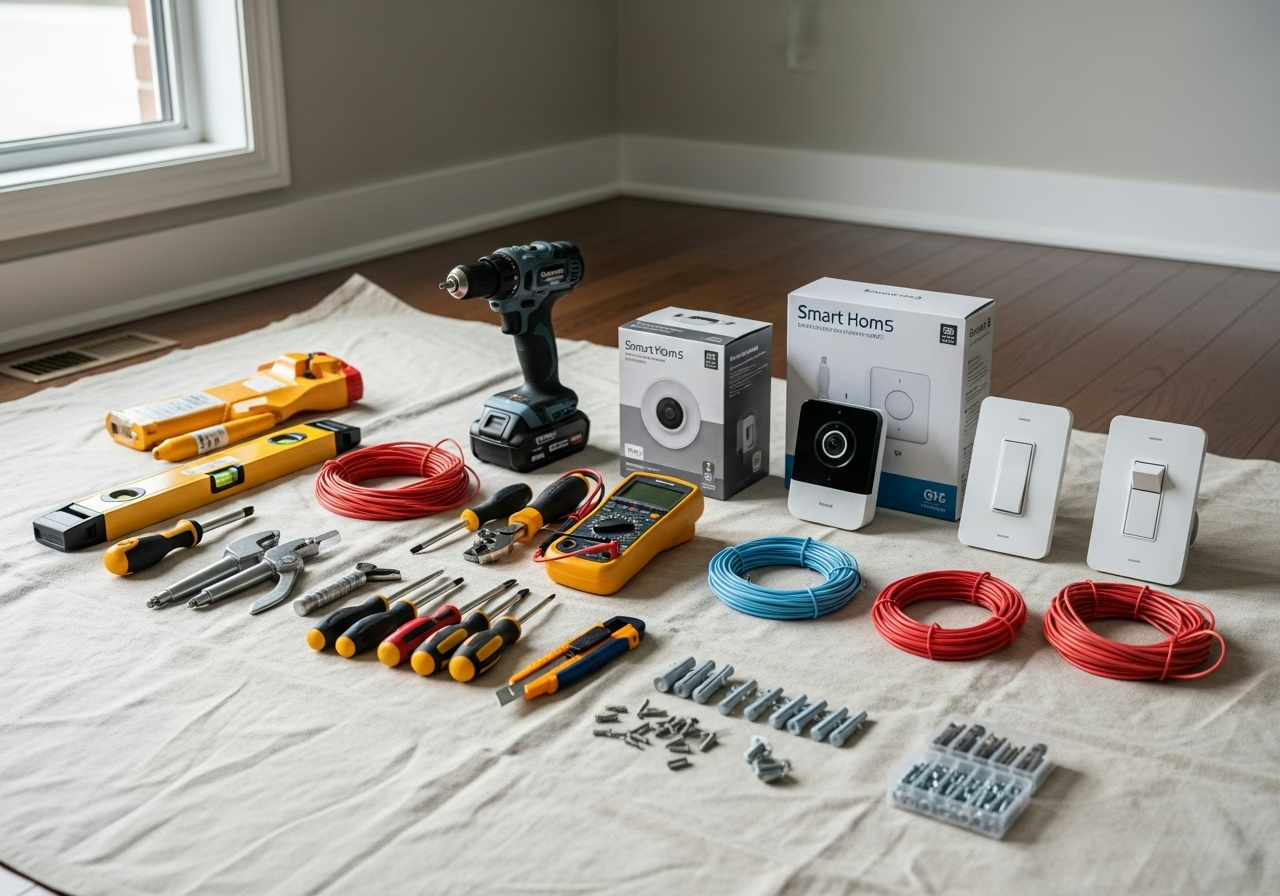
- A central panel (sometimes called a Structured Media Center, SMC, or low-voltage panel) — typically a metal cabinet mounted in the basement, mechanical room, or a closet near the main electrical panel.
- Home runs of Cat6a cable from the panel to every TV location, every desk, every access point, every camera, and every room where a wired drop might ever be useful.
- Patch panels and keystone jacks so cables terminate neatly and can be re-patched as needs change.
- A small rack or shelf holding the modem, router, switch, and PoE injector for cameras and access points.
- Coax runs if you still want cable TV or use coax for internet (Rogers in some buildings).
- Optional fiber for the rare 10 GbE backbone or future-proofing between floors.
The goal is simple: every device that *can* be wired *is* wired, and the wireless network only carries devices that genuinely need to roam.
Cat6a vs Cat6 vs Cat5e: Picking the Right Cable
For new installs in 2026, the answer is almost always Cat6a. Here is why:
- Cat5e carries 1 Gbps to 100 metres. Fine for a phone, terrible for a futureproof home.
- Cat6 carries 1 Gbps to 100 metres, and 10 Gbps only up to about 55 metres in good conditions. Not great for full house runs.
- Cat6a carries the full 10 Gbps to 100 metres and is shielded against crosstalk. This is the new baseline for any home where you expect to keep the cabling for 15+ years.
- Cat7 and Cat8 exist but are not standardized for the RJ45 ecosystem most homes use. Skip them.
Cat6a is roughly 30 to 50 percent more expensive than Cat6 in materials, but the labour cost dominates any cabling job. Once a wall is open, you would be foolish to pull anything less than Cat6a.
Wi-Fi 7 (802.11be) Explained
Wi-Fi 7 is the wireless standard that started shipping widely in late 2024 and matured through 2025. The key technical jumps over Wi-Fi 6E:
- 320 MHz channels in the 6 GHz band — double the maximum channel width of Wi-Fi 6E.
- 4096-QAM modulation — a 20 percent throughput boost in ideal conditions over Wi-Fi 6E's 1024-QAM.
- Multi-Link Operation (MLO) — a single device can use 2.4 GHz, 5 GHz, and 6 GHz simultaneously, dramatically improving reliability.
- Theoretical peak of around 46 Gbps versus Wi-Fi 6E's 9.6 Gbps.
In real-world Toronto homes, Wi-Fi 7 typically delivers 1.5 to 4 Gbps to a modern client device when the access point is in the same room. Through a wall it drops to a few hundred Mbps to 1 Gbps. Through two walls or thick concrete (common in Toronto condos and older homes with lath-and-plaster), you need a second access point — no wireless protocol fixes brick.
Bell Fibe vs Rogers: What Toronto Service Tiers Look Like
Most Toronto homes have two realistic options:
Need professional electrical services?
Call RenoHouse at 289-212-2345 or get a free estimate today.
Get Free Estimate →- Bell Fibe — symmetrical fibre, with the 1.5 Gbps tier the most popular pick and 3 Gbps and 8 Gbps available on parts of the GTA fibre footprint. Bell's GigaHub home gateway is decent but not great; many networking installs replace it with a third-party router in bridge mode.
- Rogers Ignite / Xfinity-platform — DOCSIS 3.1 and increasingly XGS-PON in select buildings, with 8 Gbps download in newer condos and select neighbourhoods. Upload speeds are lower than Bell on coax, comparable on fibre.
If you have a choice, fibre with symmetrical upload usually wins for work-from-home households. For pure download (streaming, gaming), either is fine.
Wireless Hardware: The Realistic Toronto Shortlist
Three tiers cover most of what we install:
Prosumer / enthusiast (most Toronto homes):- Ubiquiti UniFi — UDM Pro or UDM SE gateway, U7 Pro or U7 Pro Max access points. Best UI in the category, single-pane management, fair pricing.
- TP-Link Omada — similar architecture to UniFi, slightly cheaper, slightly less polished software.
- Eero Max 7 — Wi-Fi 7 mesh with wired backhaul, dead-simple app, paid subscription for advanced features.
- Netgear Orbi 970 — Wi-Fi 7 quad-band, strong coverage, premium price.
- TP-Link Deco BE85 — Wi-Fi 7 mesh, good price-to-performance.
- ASUS ZenWiFi BT10 — Wi-Fi 7 mesh with AiMesh flexibility.
- Custom UniFi build — UDM Pro + U7 Pro Max APs + USW Pro switch with PoE++ for cameras.
Where the Access Points Actually Go
This is where most DIY networks fail. In a typical Toronto two-storey home with a finished basement, you need at least three access points:
- 1. Main floor ceiling, central — usually near the kitchen-living-room junction.
- 2. Second floor ceiling, central hallway — covers all bedrooms.
- 3. Basement — covers the rec room and laundry area, plus any home gym or office.
Each access point needs a Cat6a drop back to the panel for wired backhaul. Mesh systems that rely on wireless backhaul lose roughly half their throughput per hop and add latency. Wired backhaul is non-negotiable for serious networking.
Structured Wiring Panels: Leviton vs ICC vs OnQ
Three brands dominate Toronto installs:
- Leviton SMC (Structured Media Center) — most common, 14" or 28" or 42" enclosures, modular brackets for patch panels, telco modules, coax splitters. Widely stocked.
- ICC SOHO Cabinet — a true wall-mount rack with rack-unit rails. Better for installs with a real switch and UPS.
- OnQ / Legrand — cleaner aesthetics, slightly pricier, common in custom homes.
For most retrofits we install a 28" Leviton SMC. For larger homes or anyone running a NAS, NVR, and PoE switch, an ICC SOHO 18U cabinet or a small open-frame rack in a closet is the better call.
Pre-Wire During Renovation vs Retrofit
The single biggest cost driver is whether the walls are open.
- Pre-wire during renovation: roughly $500 to $1,500 per room including drops, terminations, panel work.
- Retrofit into a finished home: roughly $1,500 to $3,000 per room because of fishing cables through finished walls, drilling top plates, patching drywall, and painting.
If you are doing any kind of renovation — kitchen reno, basement finish, second-floor addition, full gut — running Cat6a is the cheapest insurance you will ever buy. Even if you do not use the drops for five years, the labour to add them later is three to five times the cost.
Permits, Code, and Honest Positioning
Low-voltage cabling (Cat6a, coax, speaker wire, alarm wire) does not require an ESA permit in Ontario. It is not regulated as electrical work in the same way 120 V wiring is.
That said:
- Any 120 V tie-in (powering a network rack from a dedicated circuit, adding outlets in a media closet, hardwiring an access point that needs line voltage) does require a Master Electrician and the appropriate ESA permit.
- Penetrations through fire-rated walls still need to be properly sealed with fire caulk.
- Plenum-rated cable is required in any return-air space.
We position networking as low-voltage cabling, Wi-Fi access point installation, and network configuration. For any 120 V work tied to the install, our Master Electrician handles the permit and the inspection.
What a Realistic Toronto Networking Project Costs
Ballpark numbers for 2026:
- Single-room Cat6a drop, retrofit, finished home: $400 to $700.
- Three-access-point Wi-Fi 7 install with existing cabling: $1,800 to $3,500.
- Whole-home pre-wire during renovation, average detached home, 12 to 18 drops + panel: $4,000 to $8,000.
- Whole-home retrofit, finished home, 12 to 18 drops + panel + Wi-Fi 7: $8,000 to $15,000.
- High-end smart home with NVR, 8 cameras, 4 APs, 10 GbE backbone: $15,000 to $30,000+.
Networking Mistakes We See Constantly
- Running Cat6 instead of Cat6a "to save money" — saves $300, costs $5,000 in regret.
- Putting access points in closets and wondering why coverage is bad — APs belong on ceilings.
- Skipping the structured panel and letting the modem live behind the TV.
- Buying consumer mesh and using wireless backhaul when wired drops are 30 feet away.
- Forgetting to label cables — five years later, nobody knows what goes where.
How to Get Started
The decision tree is short:
- 1. Are you renovating? If yes, pre-wire Cat6a now, no exceptions.
- 2. Is your Wi-Fi unreliable? Walk the house with a Wi-Fi analyzer. Most problems are coverage, not bandwidth.
- 3. How many devices do you actually have? Count them honestly. If it is over 30, you need real infrastructure.
- 4. Do you work from home? A wired drop at your desk is the single highest-ROI improvement you can make.
If you are ready to plan a real network, we offer free in-home assessments across the GTA. We will walk the property, identify the right access point locations, propose a panel layout, and quote both the pre-wire and the active hardware.
Book a Network AssessmentRelated Reading
- Smart Home Installation Toronto 2026
- Smart Doorbell Camera Installation Toronto
- Cat6a vs Cat6 vs Cat7 in Toronto
- Wi-Fi 7 vs Wi-Fi 6E vs Wi-Fi 6 in Toronto
- Whole-Home Networking Cost in Toronto
- Ubiquiti UniFi vs Eero Pro vs Orbi Toronto
- Mesh Wi-Fi vs Access Points Toronto
- Structured Wiring Panel: Leviton vs ICC
- Bell Fibe vs Rogers Fibre Coverage Toronto
- Networking Installation Mistakes Toronto
- Condo Wi-Fi Mesh Toronto King West
- Cat6a During Renovation Pre-Wire Toronto
- Home Network Security Firewall Toronto
- CCTV, Ring & Nest Network Integration Toronto
- Gaming Low-Latency Network Toronto
Sources & References
Authoritative sources cited in this guide:
- Industry Canada Spectrum (Wi-Fi 6E/7) — Wi-Fi spectrum regulations
- Ontario Electrical Safety Code — Smart switch electrical compliance
- CSA C22.1 (Canadian Electrical Code) — CEC standard for low-voltage
Continue Reading