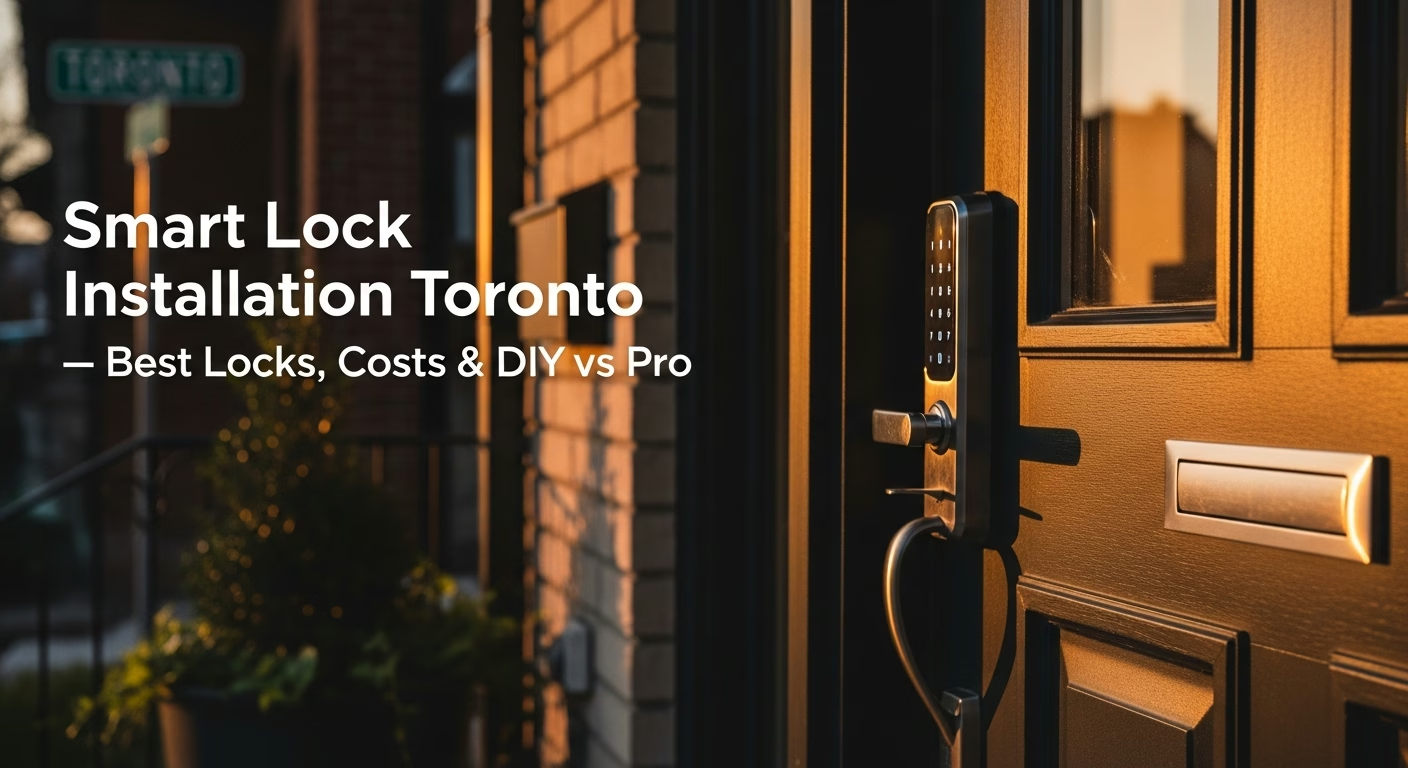
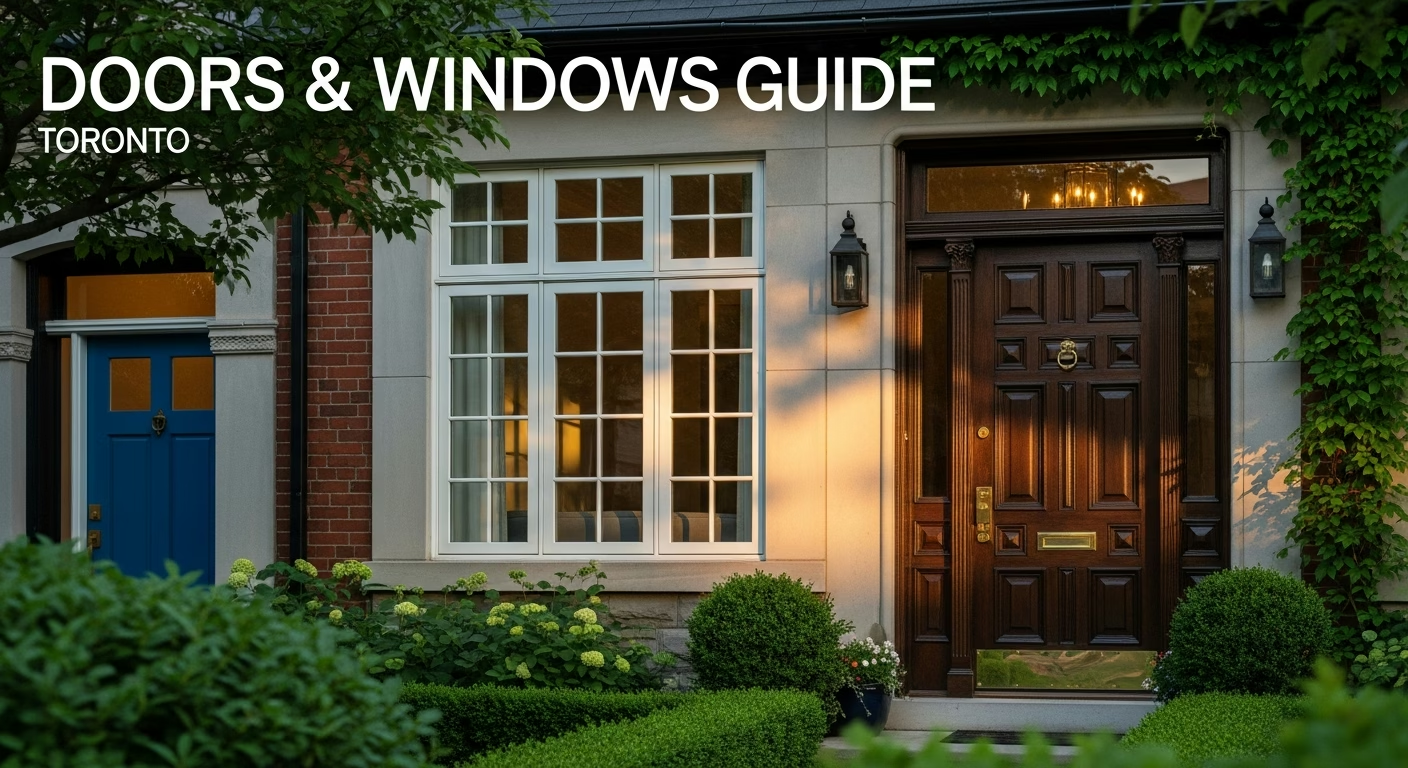
Quick answer. Smart locks are one of the simplest upgrades that make a Toronto home more convenient and secure. For a complete overview of door options, see our Doors & Windows Guide Toronto 2026.
Smart locks are one of the simplest upgrades that make a Toronto home more convenient and secure. For a complete overview of door options, see our Doors & Windows Guide Toronto 2026.
Need professional door & window services?
Call RenoHouse at 1-289-212-2345 or get a free estimate today.
4.Weiser Halo Touch ($250–$350) — Fingerprint reader, Canadian brand, designed for Canadian weather
5.Kwikset Halo ($200–$300) — WiFi, good budget option, SmartKey re-keying
Features to Prioritize
Auto-lock — Locks after set time
Activity log — See who entered and when
Temporary codes — For contractors and guests
Remote access — Lock/unlock via WiFi
Physical key backup — Essential for cold weather battery death
DIY vs Professional Installation
DIY (Recommended for Most)
If you can use a screwdriver, you can install a smart lock in 15-30 minutes:
1. Remove existing deadbolt (4 screws)
2. Install new interior assembly
3. Install exterior keypad
4. Connect assemblies through door bore
5. Insert batteries, download app, configure
Call a Pro When:
No existing deadbolt hole (drilling needed)
Non-standard door thickness
Mortise locks (older Toronto homes)
Steel door drilling (special tools needed)
Cost: Locksmith $75–$150, handyman $75–$150, home automation specialist $150–$300.
Security Ratings
ANSI/BHMA Grade 1 — Highest residential (commercial quality). Best for front doors
ANSI/BHMA Grade 2 — Standard residential. Adequate for most homes
ANSI/BHMA Grade 3 — Minimum grade. Not recommended for exterior doors
Common Concerns
Can smart locks be hacked? Smart locks from reputable brands use AES-128/256 encryption. Digital attacks are far harder than picking a traditional lock.
Battery dies? All quality locks include physical key backup and 9V emergency terminal.
Power outages? Smart locks are battery-powered. Keypad and physical key work regardless.
Compatibility with Toronto Door Types
Door Type
Compatibility
Notes
Steel entry door
Excellent
Most common Toronto door
Fibreglass entry door
Excellent
Standard preparation
Wood entry door
Excellent
Standard preparation
Condo/apartment
Good
Check thickness and condo rules
Sliding doors
Not compatible
Use smart sliding door locks
Smart Lock Installation — close-up of professional workmanship in a Toronto-area home
RenoHouse is a licensed Toronto/GTA renovation contractor, serving the GTA since 2023. Work is carried out with WSIB-cleared drywallers, ECRA/ESA-certified electricians, and Ontario-licensed plumbers (306A) coordinated by RenoHouse. All work follows Ontario Building Code (OBC) and is covered by liability insurance. We cover kitchen, bathroom, basement, drywall, plumbing, and electrical renovations in Toronto, Mississauga, Vaughan, Brampton, and Markham.
 RenoHouse