RenoHouse

# Smart Doorbell Camera Installation Toronto: 2026 Guide
Quick answer. A smart video doorbell is the highest-impact security upgrade for under $400 — it deters porch piracy, captures HD video of every visitor, and lets you see and speak to anyone at the door from your phone.A smart video doorbell is the highest-impact security upgrade for under $400 — it deters porch piracy, captures HD video of every visitor, and lets you see and speak to anyone at the door from your phone. But installing one in Toronto comes with traps: many pre-2000 homes have undersized doorbell transformers that cause "low power" warnings and intermittent disconnects, condo boards often restrict door-mounted cameras, and battery doorbells freeze in winter. This guide walks through smart doorbell selection, wiring, and installation specifically for Toronto homes in 2026.
For broader context, see Smart Home Installation Toronto: Complete 2026 Guide. For ecosystem decisions, see Apple Home vs Google Home vs Alexa Toronto. For condo-specific rules, see Smart Home Condo Installation Toronto.
The Short Answer
- Have existing wired doorbell + want best video quality: Nest Doorbell (wired, 2nd gen) or Ring Pro 2.
- No existing wired doorbell + want easiest install: Ring Battery Doorbell Pro or Nest Doorbell battery (note Toronto winter battery life caveat below).
- Apple HomeKit household: Aqara G4 or Logitech Circle View Doorbell — these are the only mainstream HomeKit Secure Video doorbells.
- Want no monthly fees: Eufy Security E340 — local storage, no subscription required.
- Condo with concierge / glass door: Aqara G4 (battery), Ring Peephole Cam, or Eufy E340 with chime kit on the inside.
Wired vs Battery: The Toronto Winter Question
The number-one question we get is "can I use a battery doorbell in Toronto?"
The honest answer: battery doorbells lose 50–70% of rated battery life below -10°C. A doorbell rated for "6 months between charges" lasts 6–10 weeks in a Toronto January. You will be charging the unit indoors mid-winter — meaning your front door has no doorbell for 6–8 hours each time.
Lithium-ion batteries (the type used in all major battery doorbells) suffer two issues in Toronto cold:
- 1. Capacity drops 30–50% below 0°C.
- 2. Charging is impossible below 0°C — the battery must be brought indoors and warmed to room temperature before recharging, or you risk lithium plating damage.
For Toronto, wired is strongly preferred. If you have any existing doorbell wires (which is most pre-2010 homes), use them. If you do not, the install cost to pull doorbell wire is typically $200–$400 and is well worth the long-term reliability.
Step 1: Check Your Doorbell Transformer
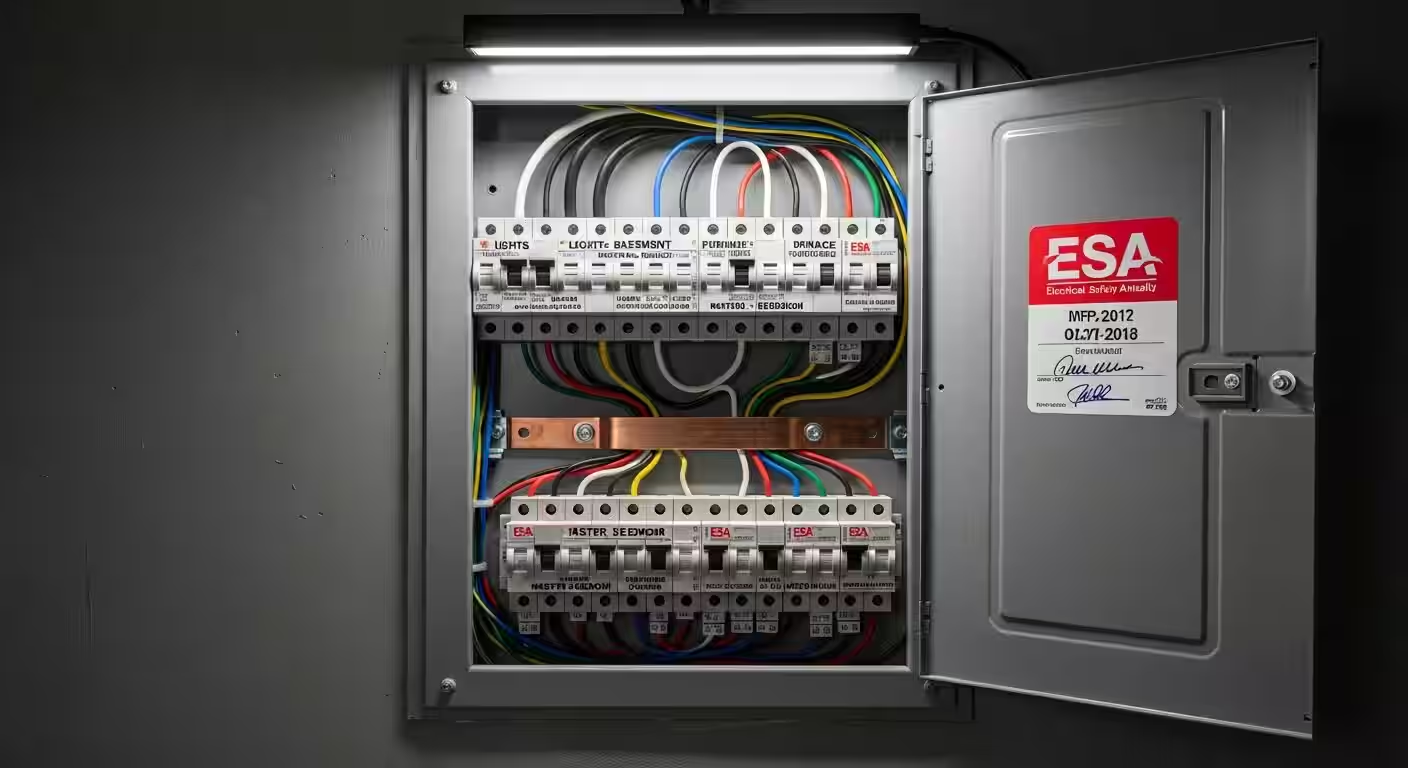
Most pre-2000 Toronto homes have an 8V or 10V doorbell transformer mounted near the electrical panel or in the basement ceiling. Modern smart doorbells need 16V to 24V at 10VA minimum to power the camera, processor, and Wi-Fi radio. If your transformer is undersized, you will see:
Need professional electrical services?
Call RenoHouse at 289-212-2345 or get a free estimate today.
Get Free Estimate →- Doorbell goes offline randomly (especially during cold weather).
- Existing in-home chime makes a "humming" noise even when the bell is not pressed.
- Doorbell shows "low power" warning in the app.
To check: turn off power, locate the transformer, read the label. If it says 8V, 10V, or 16V at less than 10VA, swap it.
Replacement is straightforward but it is electrical work — RenoHouse pulls an ESA permit for this and we typically swap it during the doorbell install in 30–45 minutes for $120–$220.
Step 2: Pick Your Brand
Ring (Wired Doorbell Plus, Pro 2)
Strengths:- Largest install base in North America — most familiar to delivery drivers, neighbours.
- Excellent app and motion detection.
- Ring Protect subscription ($4.99/mo) adds 180-day cloud storage.
- Native Amazon Alexa integration.
- Pro 2 has 1536p HD with vertical aspect ratio (great for package detection at door).
- Subscription required for any video history beyond live view.
- Privacy concerns — Ring has shared footage with police and ICE in past years.
- No native Apple HomeKit support.
Nest Doorbell (wired, 2nd gen)
Strengths:- Best-in-class face recognition ("familiar faces") that works locally.
- Free 3-hour event history without subscription; Nest Aware ($8/mo) adds 30-day history and intelligent alerts.
- Native Google Home integration with Nest Hub Max showing video.
- Excellent low-light HDR.
- HD 960x1280 with 145° field of view.
- Wired version requires existing 16V+ doorbell wire.
- No HomeKit support natively.
- Google retains some metadata even without Nest Aware.
Arlo Essential Video Doorbell (Wired)
Strengths:- 180° field of view (largest of any mainstream doorbell).
- Direct Apple HomeKit support (HomeKit Secure Video for $1.30/mo via iCloud+).
- 2K resolution.
- Local video storage option via Arlo SmartHub.
- Smaller user base than Ring/Nest.
- Arlo Secure subscription has had price increases since 2023.
Aqara G4 Smart Doorbell
Strengths:- Native Apple HomeKit Secure Video — the cleanest HomeKit doorbell experience.
- Battery powered (rechargeable lithium with included charger), but also supports wired.
- Local storage on microSD card (no subscription).
- Good price.
- Smaller community for troubleshooting.
- Battery freezes in Toronto winter (use wired mode).
- Lower resolution than Ring/Nest (1080p).
Eufy Security Video Doorbell E340 (Wired)
Strengths:- No monthly subscription required for video storage (uses HomeBase 3 hub or Eufy SoloCam).
- Dual-camera design — one camera for face/visitor, one camera for package on porch.
- 2K resolution.
- Supports Alexa, Google, and Apple HomeKit (Apple via HomeBase 3 firmware update).
- Requires Eufy HomeBase 3 ($179) for full features.
- Eufy had a 2022 incident with non-encrypted cloud transmission; the company has since moved to E2EE but trust takes time to rebuild.
Step 3: Wi-Fi Considerations
Smart doorbells stream HD video, which means:
- 2.4 GHz Wi-Fi must reach the front door at -65 dBm or better (use a phone with a Wi-Fi analyzer app to check).
- Bandwidth budget: 1.5–3 Mbps upstream during recording. If your home internet is slow, this can throttle other devices.
In pre-1950 Toronto homes with plaster walls, Wi-Fi at the front door is often weak. Solutions:
- Add a mesh node (Eero, Deco) within 4–6 m of the door.
- Use a doorbell that supports 5 GHz (Ring Pro 2, Nest Doorbell wired) and place a 5 GHz mesh node nearby.
- Run Ethernet to the door and use a doorbell with PoE (Pro models or specialty smart doorbells like Reolink Doorbell PoE for $169).
Step 4: Chime Kit & In-Home Chime
If you have an existing wired in-home chime ("ding-dong" mechanical chime), the smart doorbell can use it but typically requires a chime kit:
- Ring Pro 2: Pro Power Kit (included).
- Nest Doorbell wired: Chime connector (included) + you may need a 16V transformer upgrade.
- Arlo Essential Wired: Compatible with most existing chimes; needs Arlo Smart Hub for advanced features.
If you do not have an existing chime (some condos), use a wireless plug-in chime or rely on phone notifications + Echo/Nest Hub announcements.
Step 5: Install Position & Aiming
Optimal mounting:
- Height: 1.2 m (48") above the porch surface.
- Angle: 15° downward tilt (use a mounting wedge if your door frame is flush).
- Position: 30–40 cm from the door edge so the camera has a slight side angle and captures both the visitor's face and the porch.
Common Toronto porch problems:
- Glass storm doors block IR night vision (the camera sees its own reflection). Solution: mount on the brick/wood beside the door, not on the storm door frame.
- Recessed entry porches limit field of view. Solution: use a wider-angle doorbell (Nest Doorbell or Arlo Essential).
- Direct sunlight on the camera causes overexposure. Solution: use a wedge to tilt away from sun, or buy a doorbell with HDR (Nest, Ring Pro 2).
Toronto Condo Restrictions
Many Toronto condos restrict door-mounted cameras and doorbells:
- King West condos: Most boards restrict any modification to the unit door (Tridel, Concord, Menkes typical).
- Yorkville condos: Camera-equipped peephole replacements are usually allowed (Ring Peephole Cam) but doorbells are not.
- CityPlace / Liberty Village: Mixed — check status certificate and bylaws.
The Aqara G4 (battery, no door modification) and Ring Peephole Cam (replaces existing peephole) are the most condo-friendly options. Always check your condo bylaws before installing.
Pricing Summary
| Component | Cost (CAD) |
|---|---|
| Doorbell unit | $169–$329 |
| Transformer upgrade (if needed) | $120–$220 |
| Chime kit | $0–$35 |
| Mesh Wi-Fi node (if needed) | $130–$230 |
| Labour (1 hour) | $120–$200 |
| ESA permit (if transformer swap) | $100–$150 |
| Total | $520–$1,160 |
How RenoHouse Approaches Doorbell Installs
We start with a pre-install Wi-Fi check at the front door using our installer phone. We confirm the existing transformer voltage, swap it if needed under our ESA permit, and complete the install in 60–90 minutes. We program the app, set up motion zones (so you do not get alerts for cars passing on the street), and walk through Apple Home / Google Home / Alexa setup before we leave.
Ready to start? Visit /services/electrical/smart-home-package.
Sources & References
Authoritative sources cited in this guide:
- Industry Canada Spectrum (Wi-Fi 6E/7) — Wi-Fi spectrum regulations
- Ontario Electrical Safety Code — Smart switch electrical compliance
- CSA C22.1 (Canadian Electrical Code) — CEC standard for low-voltage
Continue Reading