RenoHouse

# Smart Locks for Front Door Toronto: 2026 Comparison
Quick answer. A smart lock is the smart home upgrade with the most direct quality-of-life impact: no more "did I lock the door?" anxiety, hands-free entry with bags of groceries, codes for cleaners and contractors, and remote unlocking for kids who lost their keys.A smart lock is the smart home upgrade with the most direct quality-of-life impact: no more "did I lock the door?" anxiety, hands-free entry with bags of groceries, codes for cleaners and contractors, and remote unlocking for kids who lost their keys. But the right smart lock depends on your door (deadbolt or knob? metal or wood?), your condo bylaws, and Toronto's brutal winter — some smart locks freeze and die at -25°C. This guide compares the four mainstream smart lock brands for Toronto front doors in 2026.
For broader context, see Smart Home Installation Toronto: Complete 2026 Guide. For condo rules specifically, see Smart Home Condo Installation Toronto. For ecosystem decisions, see Apple Home vs Google Home vs Alexa Toronto.
The Short Answer
- Want fastest install, no door modification: August Wi-Fi Smart Lock 4th gen — retrofits onto your existing deadbolt from the inside.
- Want best keypad with auto-lock: Schlage Encode Plus — full deadbolt replacement with keypad.
- Want most modern feel and Apple HomeKit integration: Yale Assure 2 with Matter.
- Want minimalist look (invisible from outside): Level Lock+.
- Want lowest price: Wyze Lock Bolt ($179) — basic but functional.
Lock Type: Retrofit vs Full Replacement
Retrofit smart locks (August Wi-Fi 4th gen, Level Lock+) replace only the inside thumb-turn of your existing deadbolt. The exterior is unchanged — you keep your existing key, your existing keyway, and the visual appearance from the street. Pros: 15-minute DIY install, keep your existing key for backup, condo-friendly. Cons: relies on your existing deadbolt mechanism (which may be old/sticky), no exterior keypad.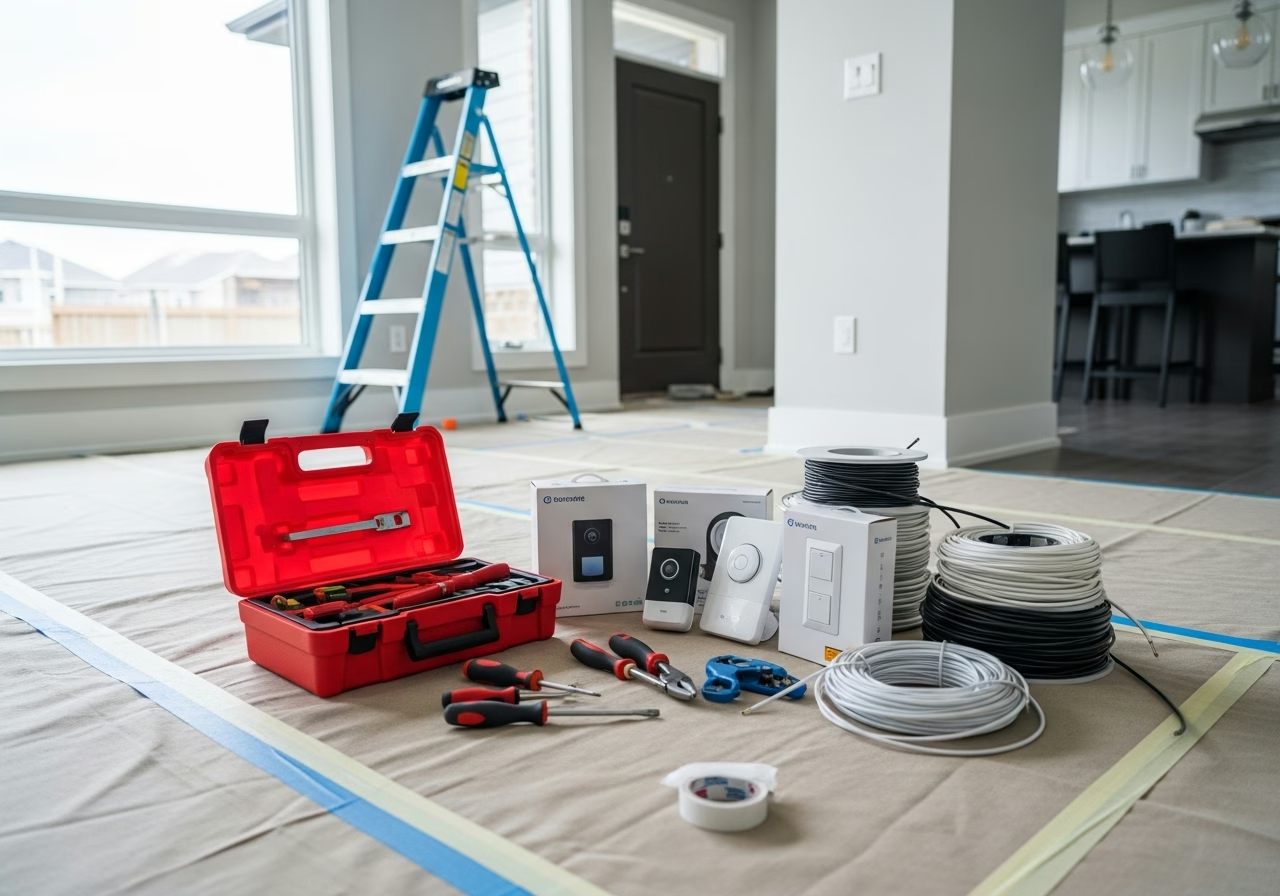
Brand-by-Brand Comparison
August Wi-Fi Smart Lock (4th gen)
Strengths:- Retrofit design — keeps your existing keyway. No code on outside (use phone or August Smart Keypad Wi-Fi as add-on).
- Matter support since 2024 firmware update.
- Auto-lock and auto-unlock based on phone location.
- Built-in Wi-Fi (no separate bridge required, unlike older August models).
- DoorSense — knows whether the door is closed or just latched.
- Apple HomeKit, Google Home, Alexa native support.
- Battery: 3–6 months on 4 AA.
- Smart Keypad add-on is $80 extra and uses its own batteries.
- Auto-unlock can be unreliable in Toronto condos with concrete walls (Bluetooth range issues).
- Relies on your existing deadbolt — if your deadbolt is sticky, the August will struggle.
Schlage Encode Plus (Wi-Fi + Apple Home Key)
Strengths:- Full keypad on exterior.
- Built-in Wi-Fi with no bridge.
- Apple Home Key support — tap your iPhone or Apple Watch to unlock (the cleanest way to enter a smart-lock home).
- 100 user codes.
- Robust Schlage mechanism.
- Auto-lock at configurable timer.
- 6-month battery life on 4 AA.
- Bulky exterior plate.
- No fingerprint reader.
- Schlage app is functional but not as polished as August.
Yale Assure 2 with Matter / Touchscreen
Strengths:- Modern minimalist design (touchscreen variant).
- Matter native (no bridge).
- Yale's mechanism is well-regarded.
- Touchscreen variant has no buttons to wear or freeze.
- Optional fingerprint module (Assure 2 Plus).
- Touchscreen freezes if it gets ice/water on it (Toronto rain followed by freeze).
- Requires Matter-capable hub for best functionality.
- Battery life shorter than Schlage (~4–5 months).
Level Lock+ (Bolt-Inside Design)
Strengths:- Invisible from outside — looks like a regular deadbolt.
- Apple Home Key support (tap iPhone to unlock).
- Premium build quality.
- Matter support since 2024.
- No keypad.
- Most expensive.
- Battery life shorter than competitors (~3–4 months) because the entire smart electronics are in the bolt itself.
- Limited troubleshooting community.
Apple Home Key
If you have an iPhone or Apple Watch and use Apple Home, strongly consider a Home Key-compatible lock. Home Key lets you tap your phone or watch to the lock and it unlocks instantly — no app, no wake-up, no code. It works through gloves and even when the lock has no internet (the credential is stored locally on the phone via NFC).
Home Key locks as of 2026:
- Schlage Encode Plus
- Level Lock+
- Aqara U200
- Yale Assure 2 Plus (some SKUs)
Non-Home Key locks (August Wi-Fi 4th gen, Schlage Encode regular, Yale Assure 2 standard) do not support tap-to-unlock from iPhone — you have to open the Home app or use a code.
Need professional electrical services?
Call RenoHouse at 289-212-2345 or get a free estimate today.
Get Free Estimate →Toronto Door Compatibility
Standard residential doors in Toronto are 1-3/4" thick (most pre-1960 homes), 2-1/8" cross-bore, 1" deadbolt. Most smart locks support this dimension natively.
Less compatible doors:
- 1-3/8" interior-style doors — used as front doors in some 1950s Etobicoke and Scarborough bungalows. Schlage Encode Plus does NOT fit; August Wi-Fi (retrofit only) and Yale Assure 2 fit with shim kit.
- 2" thick reinforced doors — common in 2010+ infill builds. Most major brands fit but require the included thicker bolt extender.
- Non-standard cross-bore (1-1/2" instead of 2-1/8") — common in pre-1940 Toronto. Requires re-drilling the door (locksmith $200–$300) before any smart lock can be installed.
Always measure before buying.
Toronto Condo Restrictions
Most Toronto condos allow smart locks BUT:
- The lock face on the corridor side often must match the building standard (matte black or brushed nickel).
- Some buildings (e.g., several Tridel and Concord buildings) require the smart lock to be added INSIDE the existing fire-rated lock, not as a replacement. This makes August Wi-Fi (retrofit) the only legal option.
- Some condo bylaws require providing the property manager or concierge with an emergency override code.
Always check your condo's status certificate and bylaws before purchasing.
Cold Weather Battery Tips for Toronto
- 1. Use lithium AA batteries (Energizer Ultimate Lithium L91). They have ~80% capacity at -20°C vs ~30% for alkaline.
- 2. Replace batteries before the lock warns. Smart locks usually warn at 25% remaining; in winter that 25% can drop to 10% overnight.
- 3. Keep a spare key. All major brands include a backup key cylinder for exactly this reason.
- 4. Apply silicone lubricant to the deadbolt every fall (NOT graphite, NOT oil). Schlage and Yale sell branded lubricants for ~$10.
Pricing Summary
| Brand | Lock Cost | Install | Total |
|---|---|---|---|
| August Wi-Fi 4th gen | $329 | $80–$120 | $409–$449 |
| Schlage Encode Plus | $379 | $120–$200 | $499–$579 |
| Yale Assure 2 (touchscreen) | $349 | $120–$200 | $469–$549 |
| Level Lock+ | $429 | $120–$200 | $549–$629 |
Add $200–$300 if door re-drilling is required.
How RenoHouse Approaches Smart Lock Installs
We start by inspecting your door — thickness, bore size, deadbolt type — and confirming compatibility with your preferred lock brand. We install most smart locks in 30–60 minutes, including app setup, code programming, and Apple/Google/Alexa integration. We do NOT install on doors that need re-drilling without first referring you to a licensed locksmith for the door work.
Ready to start? Visit /services/electrical/smart-home-package.
Sources & References
Authoritative sources cited in this guide:
- Industry Canada Spectrum (Wi-Fi 6E/7) — Wi-Fi spectrum regulations
- Ontario Electrical Safety Code — Smart switch electrical compliance
- CSA C22.1 (Canadian Electrical Code) — CEC standard for low-voltage
Continue Reading